Before you start: what you need
- The final master, as FLAC or WAV. Spotify asks for at least 44.1 kHz and stereo, and 24-bit if your master is 24-bit.
- Cover art, square. Spotify accepts JPG, PNG or TIFF between 640 and 10,000 pixels, and says not to upscale a small picture. Most distributors ask for 3000 × 3000, so make it that size. Our album cover size guide has every store's sizes and a free template.
- The details your distributor asks for: song title, artist name exactly as you want it to appear, songwriters and producers, genre, release date, and whether it's explicit. Your distributor gives the song its ISRC and the release its UPC if you don't have your own.

Step 1: Pick a distributor
Spotify takes music only through distributors and labels, and keeps a list of the distributors it recommends: DistroKid, CD Baby, TuneCore, Amuse, Ditto, LANDR, RouteNote and many more.
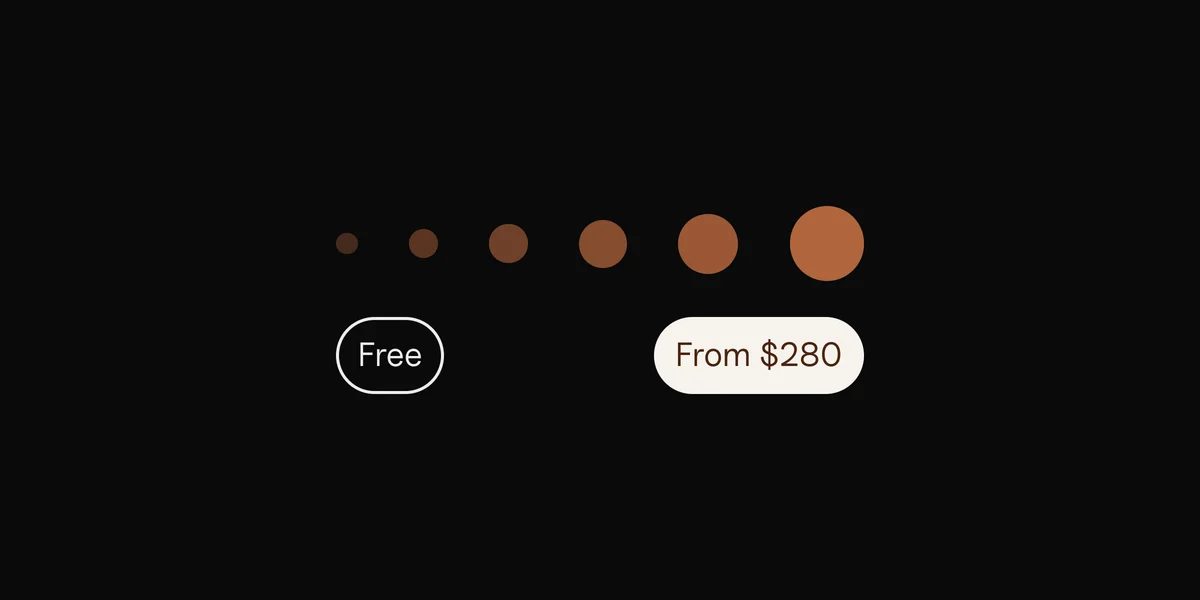
They differ in how they charge: a yearly fee for unlimited releases, a fee per release, or a free plan that keeps a share of your royalties. Most deliver to Spotify, Apple Music, TikTok and the other stores at once. A few of Spotify's recommended distributors also give you instant access to Spotify for Artists. To see what your streams could earn once they're out, try the pay-per-stream calculator.
If you're signed, your label probably works with a distributor already.
Step 2: Upload, and pick a release date
- Upload the master, the cover art and the details in your distributor's dashboard. Lyrics reach Spotify a different way: see how to add lyrics to Spotify.
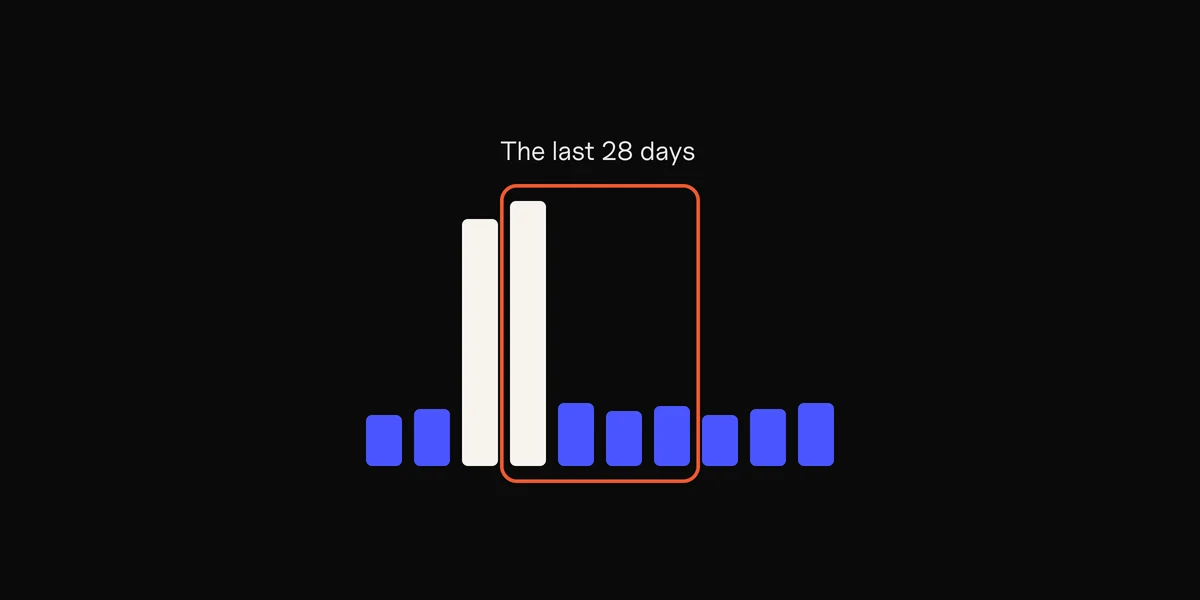
- Pick a release date at least a week away. Spotify asks for the music a week ahead so its editors can listen to your pitch. Leave more time if you want a pre-save campaign or ads ready on release day. Our song release plan lays out the weeks before and after, step by step.
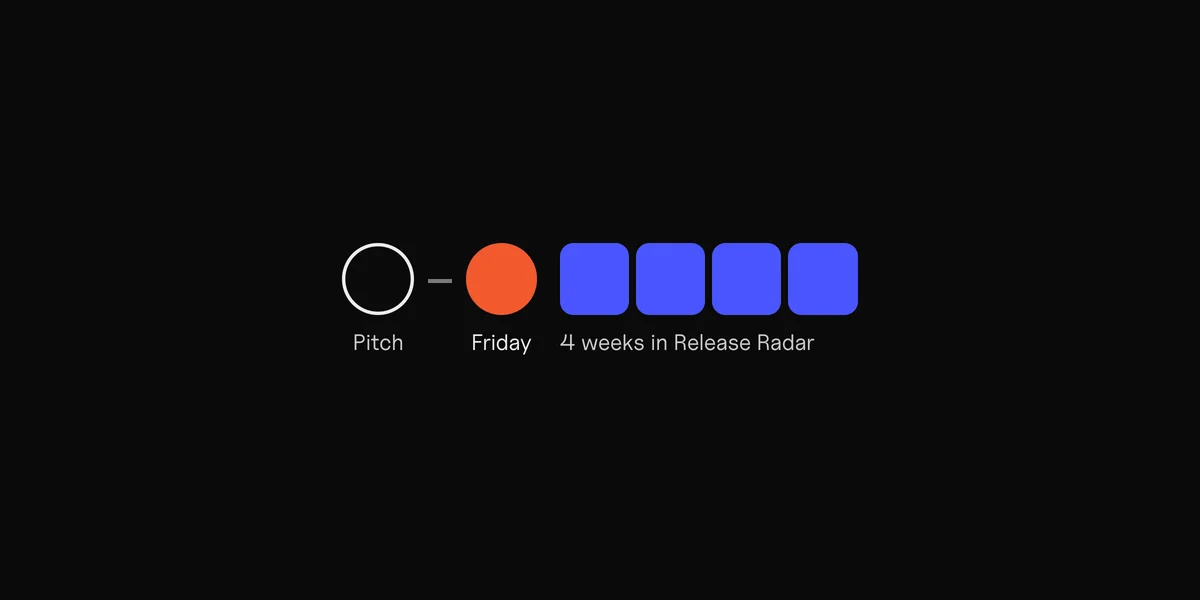
- Release on a Friday if you can. Release Radar, where your followers find new music, updates every Friday.
Step 3: Claim your Spotify for Artists profile
Once your release is delivered, even before it's out, claim your profile at artists.spotify.com:
- Request access with your artist link. Before your first release is out, Spotify also asks for the release's UPC.
- Add links to your website or social accounts so Spotify can check it's you. Spotify reviews requests by hand, so it can take a few days.
- Then set up the profile: a photo, a bio, and your pitch for the new song, at least 7 days before release, so it lands in your followers' Release Radar.
Getting verified on Spotify in 2026
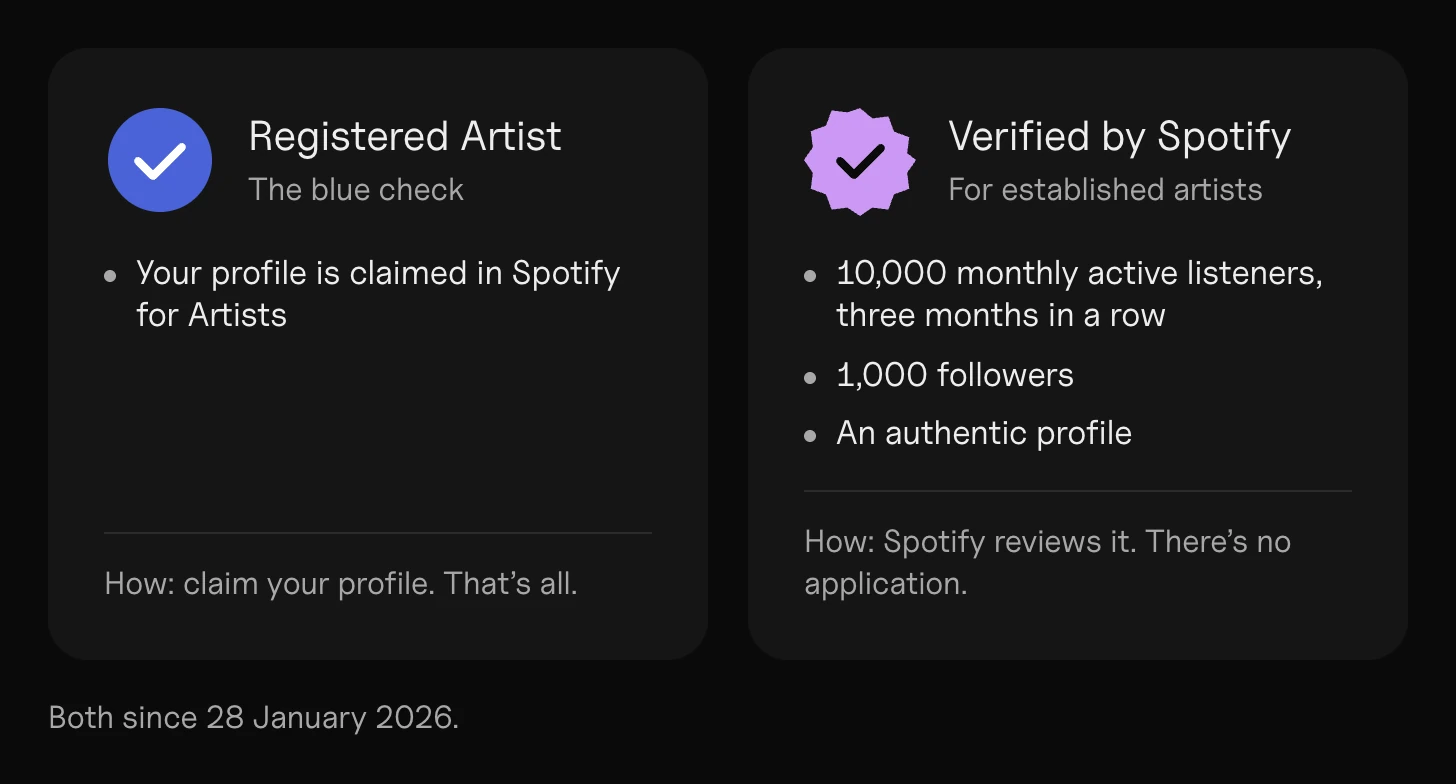
Spotify changed its checkmark on 28 January 2026, so older guides are out of date:
- The blue check now means "Registered Artist". It shows your profile is claimed and managed in Spotify for Artists. You get it by claiming your profile (step 3). It doesn't change your reach or royalties. While you set up the profile, the Spotify image sizes guide has the header and picture sizes.
- "Verified by Spotify" is a new, separate badge for established artists. Spotify looks for at least 10,000 monthly active listeners over three months in a row and 1,000 followers, a clean record on its rules, and an authentic profile (an honest bio, a catalog that's mostly music, links to your socials, shows or merch). There's no application: Spotify reviews artists as they go and tells you in Spotify for Artists.
Apple Music: the same release, then claim your page
Your distributor delivers to Apple Music too, so there's nothing extra to upload. To manage your page, claim it in Apple Music for Artists (artists.apple.com) once your music has been live there for at least five business days. Only the main artist or their manager can claim it, and linking your socials or distributor account speeds up the check.
Once it's out: get it heard
A release on Spotify isn't an audience. The weeks after release decide how far the song goes:
- Your followers get it in Release Radar if you pitched in time.
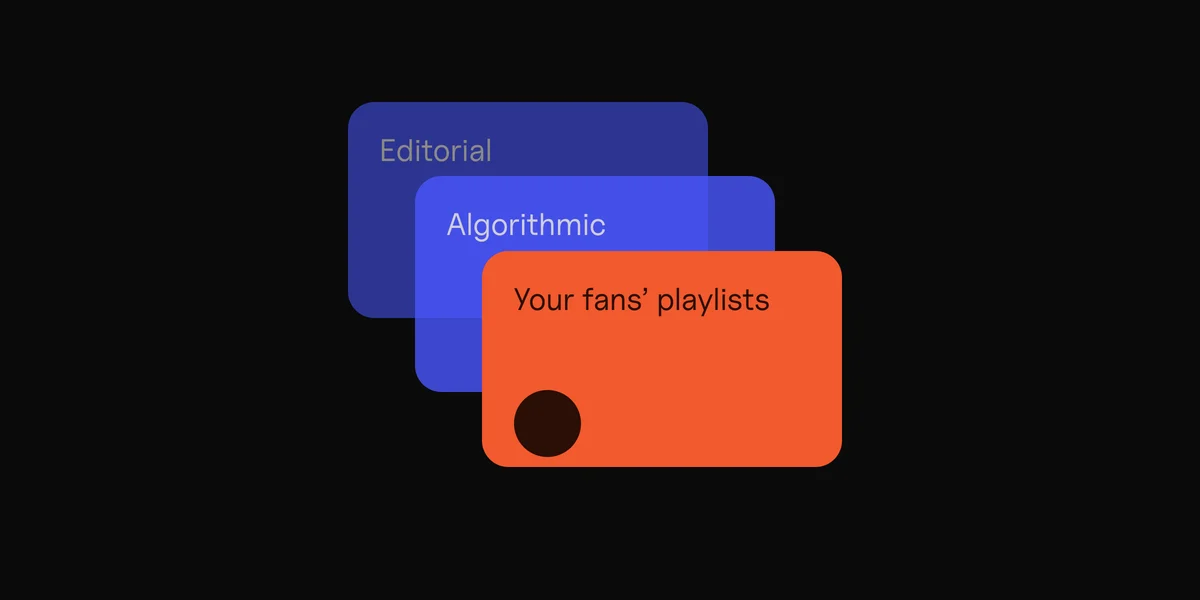
- New listeners come from editorial and algorithmic playlists, which you can't control, and from what you do yourself: posts, and ads that put the song in front of people who'd like it.
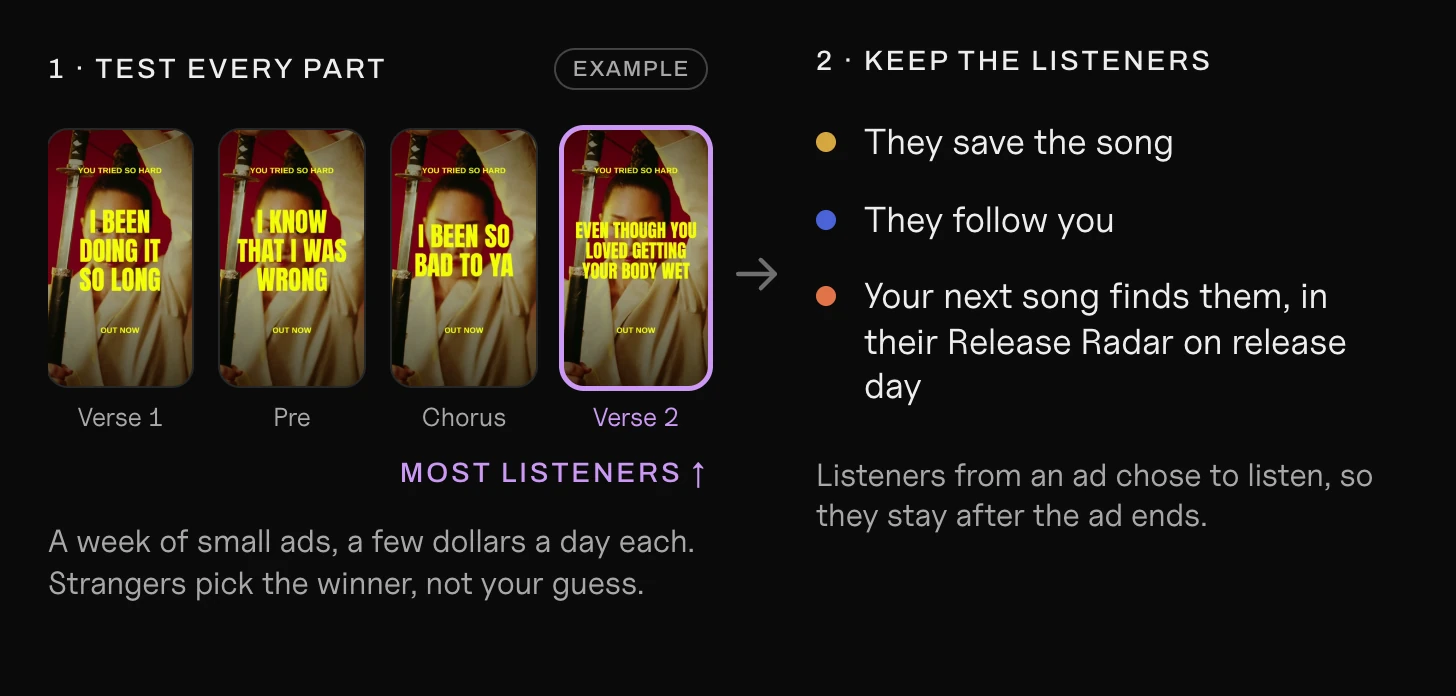
- The listeners who stay are the ones who save the song and follow you. Ads that send people straight to the song bring exactly those.
Our guides on getting on Spotify playlists, the Spotify algorithm and promoting a song with ads cover the next steps.
Find the part of your song that brings listeners.
Clips makes the ad for every part, from one song.
Questions
Can I upload music to Spotify directly?
No. Spotify takes music only through distributors and labels. Pick one from Spotify's list of recommended distributors, upload there, and it delivers your song to Spotify and the other stores.
How much does it cost to put music on Spotify?
It depends on the distributor: some charge a yearly fee for unlimited releases, some a fee per release, and some are free but keep a share of your royalties.
How long does it take for my song to appear on Spotify?
It depends on your distributor. Plan for at least a week before your release date: that's what Spotify asks for so editors can hear your pitch, and it gets the song into your followers' Release Radar.
How do I get verified on Spotify?
Since January 2026, the blue check is called "Registered Artist", and you get it by claiming your profile in Spotify for Artists. The separate "Verified by Spotify" badge needs about 10,000 monthly active listeners for three months in a row and 1,000 followers, plus an authentic profile.
What audio format does Spotify want?
FLAC is preferred and WAV works too: at least 44.1 kHz, stereo, and 24-bit if your master is 24-bit. Your distributor may ask for its own format, so check its upload guide.
What size should my cover art be?
Square. Spotify accepts 640 to 10,000 pixels; most distributors ask for 3000 × 3000. Don't upscale a small picture.
Sources
- Getting music on Spotify and Provider directory, Spotify for Artists
- Audio file formats for Spotify and Cover art requirements, Spotify for Artists
- Getting access to Spotify for Artists, Spotify for Artists
- Updates to the verification checkmark and Verified by Spotify, Spotify for Artists
- Pitching music to Spotify playlist editors and Getting music on Release Radar, Spotify for Artists
- Find playlists (Release Radar updates on Fridays), Spotify
- Claim your artist page, Apple Music for Artists
 Clips5 min read