How to make a slowed + reverb version
- Drop in the song (MP3, WAV, M4A or FLAC). It's read in your browser, never uploaded.
- Start from the classic setting: 85% speed, with the pitch dropping along with it, like a record played slower, and a wide reverb.
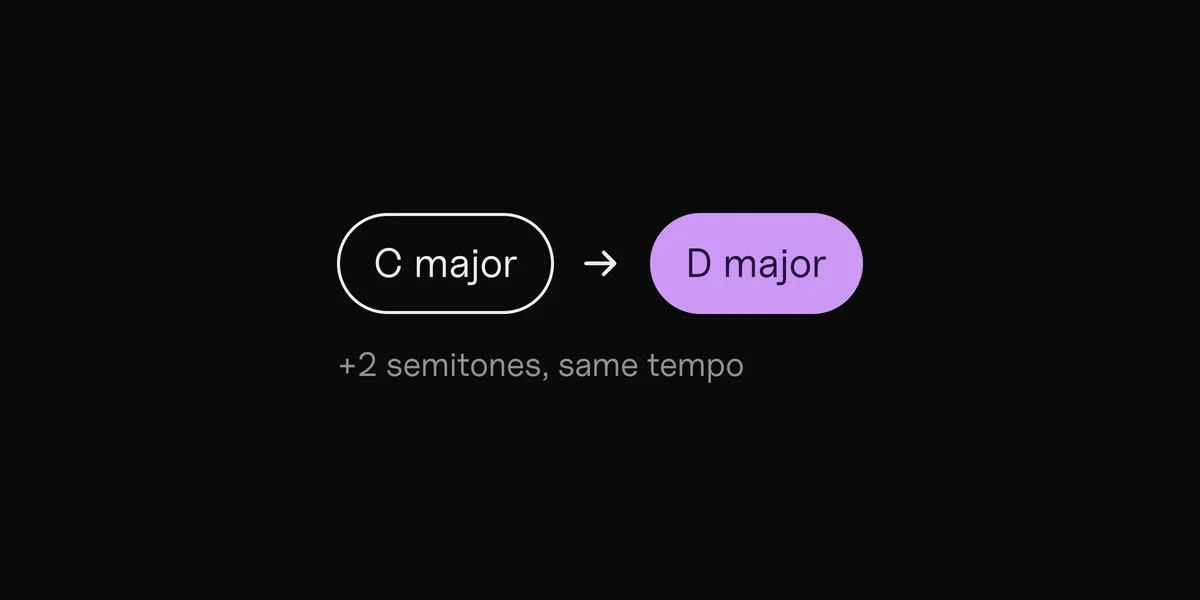
- Adjust it. Slower for heavier, more reverb for dreamier. You see the new BPM and key as you go.
- Download it as a WAV.
What makes a slowed + reverb version
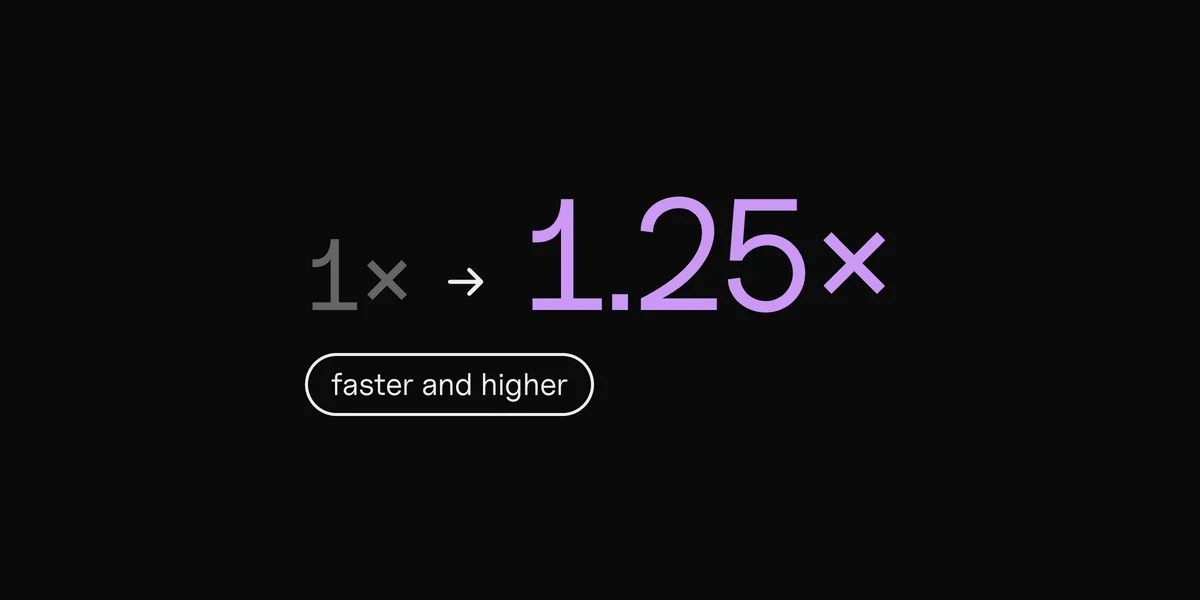
Two things, together. The song plays slower and lower, the way a record does when it spins slower, so voices sound deeper. Then a large room is added, so every note rings out longer. Most versions sit between 80% and 90% speed.
Release your own slowed version
Artists release slowed and sped-up versions of their songs as extra tracks or on TikTok, to reach people who love that sound. Make it here, then release it through your distributor like any other version. A separate release needs its own ISRC: see how to find your ISRC and UPC.
Clips finds the parts for you.
Questions
How slow is a slowed + reverb version?
Usually 80% to 90% of the original speed. We start at 85%.
Does the pitch change?
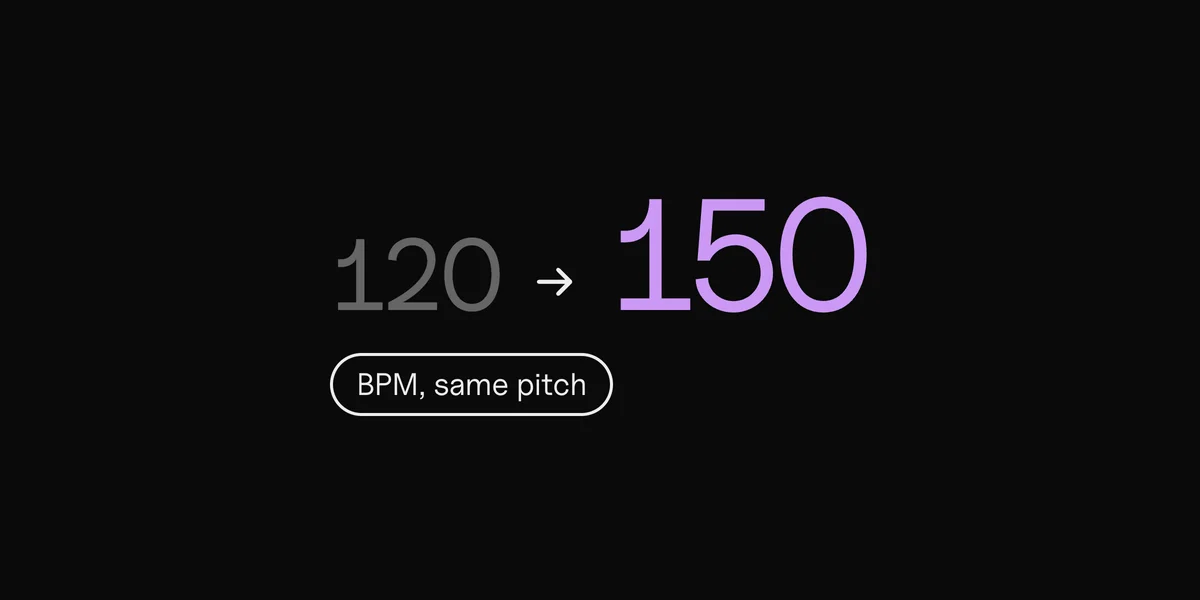
Yes, on purpose: in a slowed + reverb version, the pitch drops with the speed. To slow a song down without changing its pitch, use the BPM changer.
Is my song uploaded?
No. Everything happens in your browser. The song never leaves your computer.
Can I post a slowed version of someone else's song?
Only with permission from whoever owns it. For your own songs, you can release it through your distributor like any other version.
Time-stretching: Signalsmith Stretch, MIT · MP3: LAME, LGPL (lame.sourceforge.net)