How to change the tempo of a song
- Drop in the song (MP3, WAV, M4A or FLAC). It's read in your browser, never uploaded.
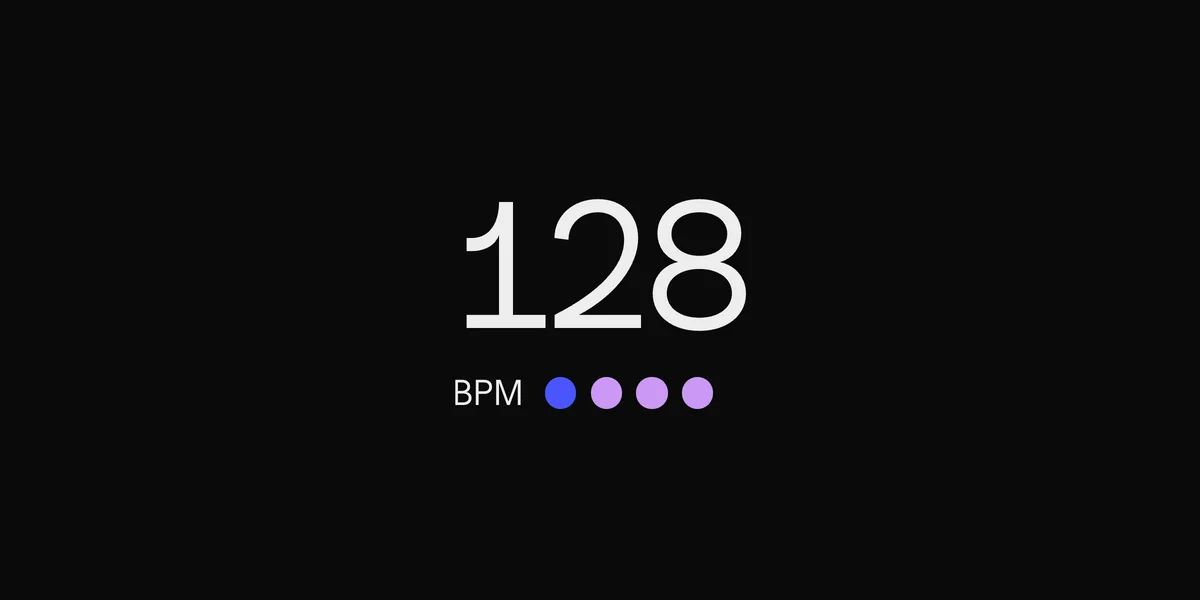
- Check its tempo. The changer finds the song's BPM and key, the same way our BPM finder does.
- Type the BPM you want, or drag the speed slider. The pitch stays where it was, so the song speeds up or slows down without sounding higher or lower.
- Play it to hear the change, then download it as a WAV.
Fit a sample to your track
Producers use a BPM changer to make a sample, a loop or a reference track match the tempo of their song. Set the new BPM to your project's tempo and drop the download straight into your DAW. Small changes, up to about 10% either way, sound almost untouched. Bigger ones start to smear drums and vocals.
Change the tempo and the key at once
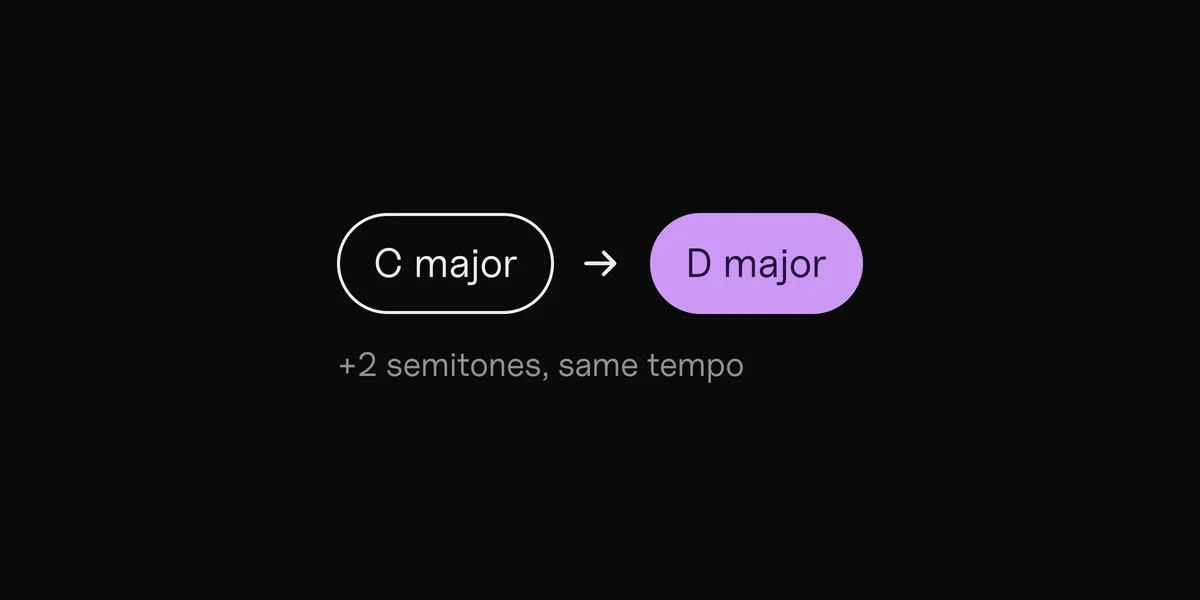
Need it in another key too? Change the key in the same place: the key changer settings are here as well, so one download can have the new tempo and the new key.
Song not on your computer? DOT reads it while it plays.
Questions
Does changing the BPM change the pitch?
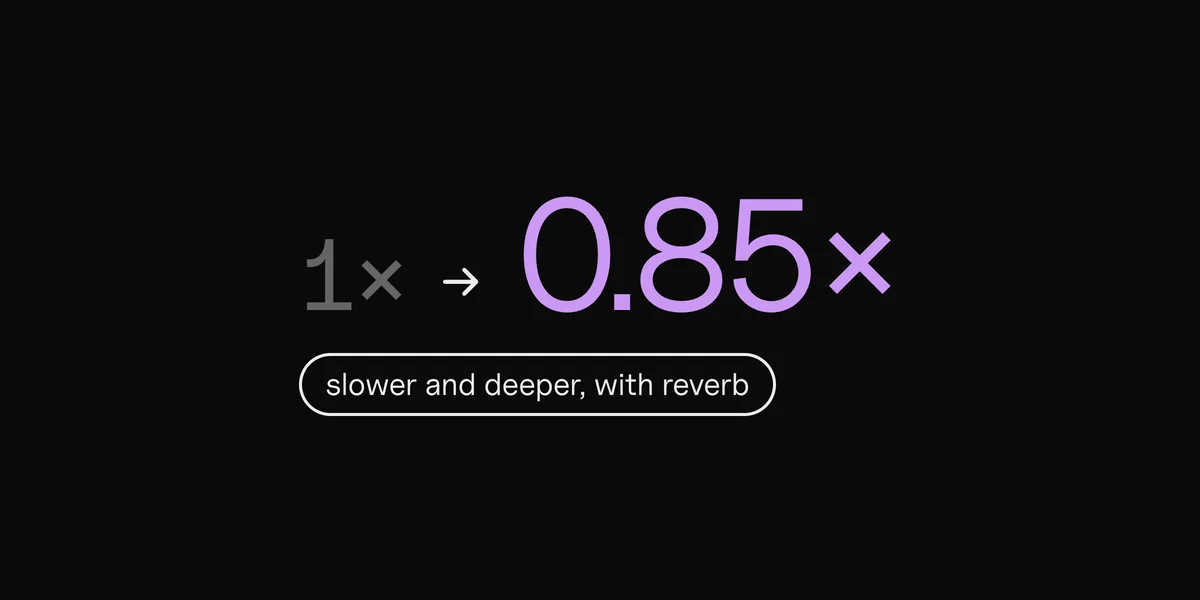
Not here. The changer stretches the song in time and keeps the pitch where it was. If you want the pitch to follow the speed, like a record played faster, use sped up or slowed + reverb.
How do I find a song's BPM first?
Drop it in: the changer shows the BPM it finds before you change anything. You can also use the BPM finder or tap tempo.
What files can I use?
MP3, WAV, M4A and FLAC, whatever your browser can play (AIFF too, in Safari). The download is a WAV at the song's own sample rate.
Is my song uploaded?
No. Everything happens in your browser. The song never leaves your computer.
Can I post a changed version of someone else's song?
Only with permission from whoever owns it. For your own songs, you can release the new version through your distributor like any other release.
Time-stretching: Signalsmith Stretch, MIT · MP3: LAME, LGPL (lame.sourceforge.net)