Spotify image sizes at a glance
Every size here comes from Spotify for Artists' own help pages, checked in October 2026. Spotify gives minimums, so bigger is fine, as long as the file stays under 20 MB.
Size in pixels · Where you upload it
| Image | Size in pixels | Where you upload it |
|---|---|---|
| Header (banner) | 2660 × 1140 or more | Spotify for Artists, on a computer |
| Profile picture (avatar) | 750 × 750 or more | Spotify for Artists, web or app |
| Gallery photos | 690 × 500 or more | Spotify for Artists, web or app |
| Artist Pick image | 690 × 500 or more | Spotify for Artists, web or app |
| Cover art | Square, 640 to 10,000 | Your distributor |
| Canvas | 9:16, 720 to 1080 tall | Spotify for Artists, web or app |
| Countdown video | Vertical, 3 to 30 seconds | Spotify for Artists, web |
| Music video | 16:9, 1920 × 1080 or more | Spotify for Artists, on a computer |
Profile, header, gallery and Artist Pick images can be JPG, PNG or GIF. Changing them takes an Admin or Editor role in Spotify for Artists.

Spotify header size (the banner)
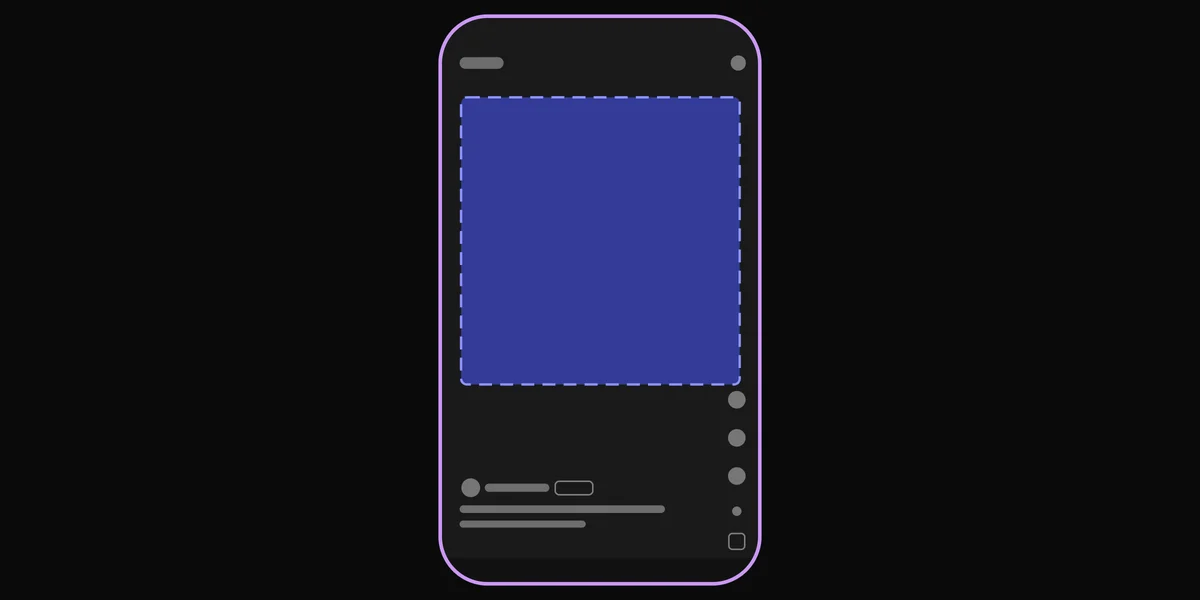
Spotify calls the banner the header image. Make it at least 2660 × 1140 pixels, a wide 7:3 shape.
- Where it shows: at the top of your profile in the desktop app and the web player, and on the Now Playing screen on smart TVs. In the phone app, the top of your profile shows your profile picture instead.
- It gets cropped. Spotify says your photo is cropped differently depending on where a fan sees it. Its advice: leave wide margins, and put yourself in the center. Spotify doesn't publish the exact crops.
- No text on it. Spotify's image rules say no text, no advertising and no busy backgrounds, and don't promote an upcoming tour or release. A banner that says "new single out now" breaks them, and Spotify can remove images that do.
- Upload it on a computer. Log in at artists.spotify.com, click View profile, click the edit icon above your monthly listeners, then Update under Header image. You can't change the header in the phone app or on a phone's browser.
- No header? Spotify shows your profile picture in its place.

Spotify profile picture size (avatar)
Spotify calls the profile picture the avatar. Make it at least 750 × 750 pixels, square.
- Where it shows: at the top of your profile in the phone app, and next to your name in search results. With no avatar, Spotify uses the cover of your latest release.
- Keep your face in the middle. It shows big on the phone and tiny in search, where Spotify draws artists in a circle. A centered face reads at both sizes.
- Upload it: on a computer, follow the header steps and click Update under Avatar image. In the Spotify for Artists phone app, go to the Profile tab and tap Edit Image. It can't be changed on a phone's browser.
- It can take up to 72 hours to change in search. If it hasn't, close and reopen the Spotify app a few times: Spotify says it may be a cache issue.
- You can't remove it completely, only replace it.

Gallery and Artist Pick images
- Gallery photos sit in your About section. Each one needs at least 690 × 500 pixels, and you can add up to 125, then reorder or remove them. With no gallery, Spotify shows your profile picture there. Add them on the web (View profile, then About) or in the app (Profile, then About).
- The Artist Pick sits at the top of your profile and points to one thing: a song, album, video, playlist, concert, merch or podcast. You can add an image, at least 690 × 500, as JPG, PNG or GIF, and a short message. A Pick stays up for 180 days unless you change it. A concert Pick ends after the show or when tickets sell out; a merch Pick ends when the item sells out. Tap the plus sign under Artist Pick on your profile in Spotify for Artists.
The same rules apply to your header, profile picture and gallery: no text, no ads, no tour or release promotion, and nothing you don't have the rights to. You need a person's consent to post a picture of them.
Spotify cover art size
Spotify accepts cover art from 640 to 10,000 pixels on each side, square, as JPG, PNG or TIFF, in sRGB color. It asks you not to upscale a small picture.
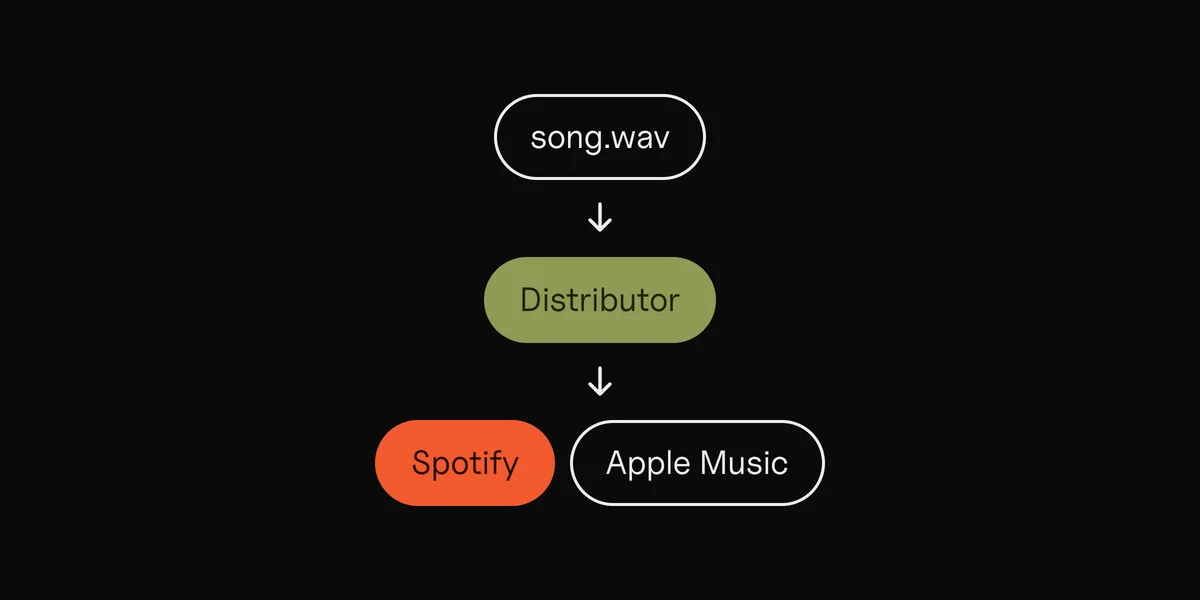
You don't upload cover art in Spotify for Artists: your distributor sends it with the release. To change it later, your distributor sends Spotify an update; Spotify says it can't change it by hand. Most distributors ask for 3000 × 3000, so make it that size. The album cover size guide covers every distributor's rules and what gets art rejected.
Canvas, countdown videos and music videos
Spotify also takes moving pictures, each with its own shape:
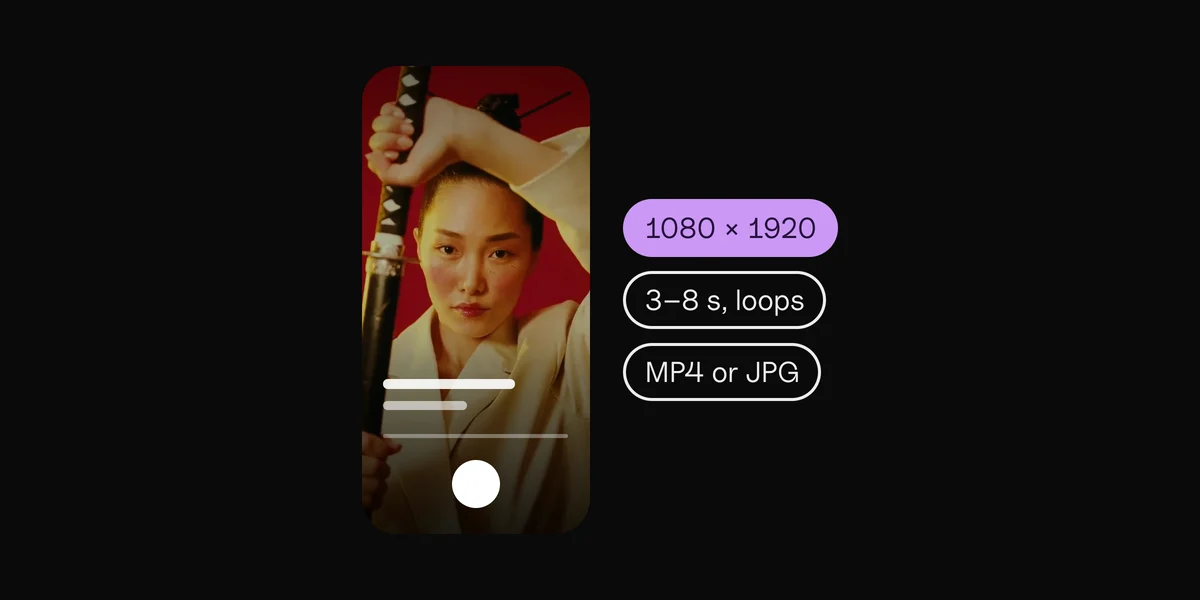
- Canvas: the 3 to 8 second loop behind your song on the phone's Now Playing screen. Vertical 9:16, 720 to 1080 pixels tall, MP4 or JPG. Add it per track in Spotify for Artists. The Spotify Canvas guide has the full specs and content rules.
- Countdown videos: short clips on a Countdown Page, the pre-save page for an upcoming album or EP. Spotify asks for vertical video with sound, longer than 3 seconds and shorter than 30, and lists the minimum as 1280 × 720 pixels; a 1080 × 1920 file covers it. Countdown Pages need at least 3,000 monthly active listeners, and singles aren't eligible.
- Clips are gone. Spotify stopped new Clips uploads on 17 June 2026. Clips you already posted stay up, and are moving to a Video tab on your profile.
- Music videos: landscape 16:9, at least 1920 × 1080, from 30 seconds to 20 minutes, under 50 GB. Uploads are in beta, on a computer only: Video & Visuals, then Upload Video. Spotify says the video should put the song first.

A good profile keeps the listeners who arrive
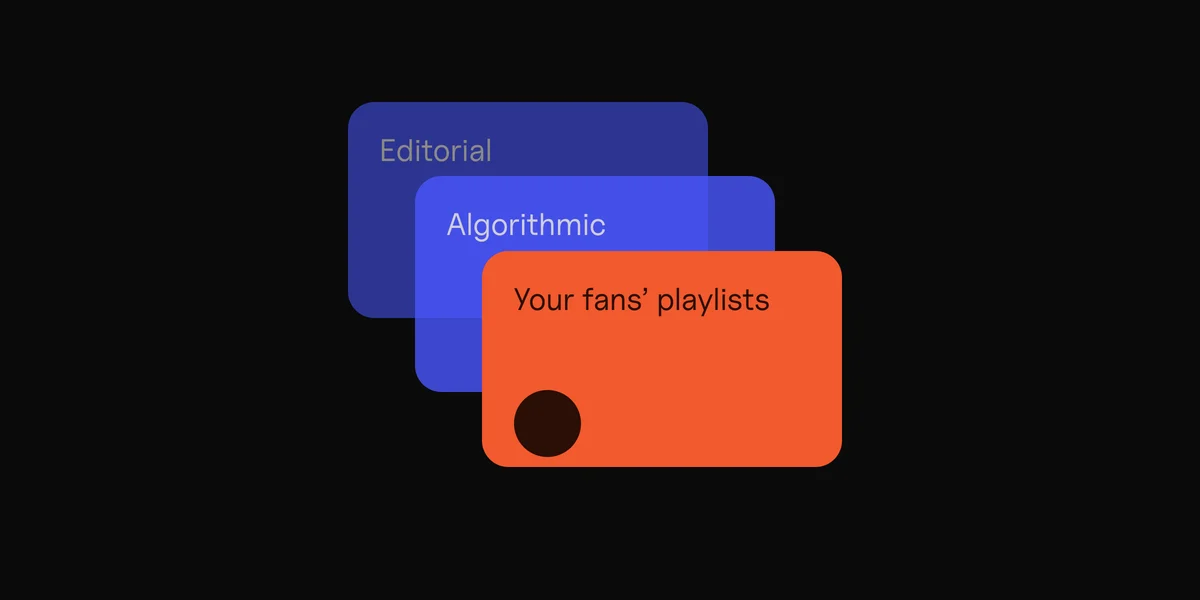
Your images matter most when someone lands on your profile for the first time: they help that person decide to follow. So do your lyrics and a Canvas on every song. They don't bring anyone there. New listeners come from playlists, and from what you put in front of people yourself: posts and ads with your song in them.
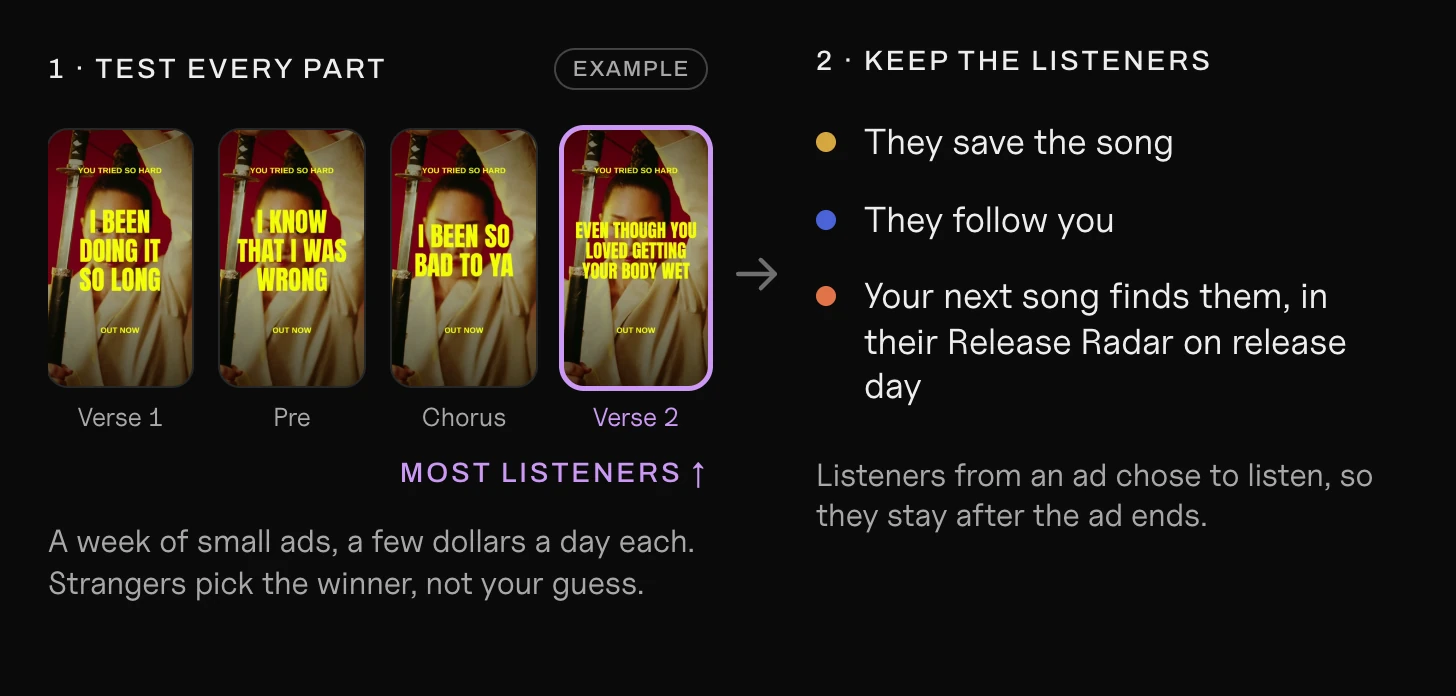
A short vertical video works for that: one part of the song, sound on, with the words on screen. The part that stops a stranger's scroll isn't always the one you'd guess, so it pays to try several. Clips, our Mac app, cuts a vertical lyric video for every part of your song, on the beat, so you can run them all and keep the one that brings listeners.
Find the part of your song that brings listeners.
Clips makes the ad for every part, from one song.
Questions
What size is the Spotify banner?
Spotify calls it the header image. It needs to be at least 2660 × 1140 pixels, JPG, PNG or GIF, up to 20 MB. Keep yourself in the center: Spotify crops the edges differently on different screens.
What is the Spotify profile picture size?
At least 750 × 750 pixels, square, as JPG, PNG or GIF up to 20 MB. It shows at the top of your profile in the phone app and next to your name in search.
Can I put text or a release date on my Spotify header?
No. Spotify's image rules say no text or advertising, and no promotion of an upcoming tour or release. To point fans at a new song, use your Artist Pick; for an upcoming album or EP, a Countdown Page.
Why can't I change my header on my phone?
Spotify only lets you change the header on a computer, at artists.spotify.com. The profile picture and gallery can be changed in the Spotify for Artists app.
Why isn't my new profile picture showing?
It can take up to 72 hours to change in search. If it still hasn't, close and reopen the Spotify app a few times.
What size is Spotify cover art?
Square, from 640 to 10,000 pixels on each side. Your distributor sends it, and most ask for 3000 × 3000.
Sources
- Artist image guidelines and Managing your artist images on Spotify, Spotify for Artists
- What makes an excellent artist image (header cropping), Spotify for Artists blog, 2016
- Artist Pick, Spotify for Artists
- Cover art requirements and Fixing problems with music, Spotify for Artists
- Canvas guidelines, Spotify for Artists
- Getting started with Countdown Pages and Countdown videos, Spotify for Artists
- Clips and Uploading videos in Spotify for Artists, Spotify for Artists
 Clips6 min read