A beat is a short drum pattern that repeats, usually one or two bars long. You don’t need a DAW to make one. A grid in your browser or a drum pad does it, and the beat goes into GarageBand or Logic later as MIDI, when you want to build a song on it.

DOT ($49 once, free for 10 recordings) records any sound your Mac plays, like a snare from a song or a word from a video, ready to drop on a pad or a row of your beat.
Start with one bar
Most beats grow from the same bar of 16 steps, a sixteenth note each:

- Kick on 1 and 3, steps 1 and 9.
- Snare on 2 and 4, steps 5 and 13. Some beats use a clap here, or both.
- Hats on every eighth note, steps 1, 3, 5 and so on, eight in a bar.
Play that at 90 BPM and it’s a hip hop beat. At 120 it’s pop, and with the kick on all four beats it’s house. Then change one thing: an extra kick on step 11 or 15, an open hat before the snare, a missing hat. That one change is what makes a beat sound like yours.
Program it for free, in your browser
The drum sequencer is a 16-step grid with the same 16 sounds as the drum pad.
- 1
Click the steps
for the kick, snare and hats.
- 2
Set the BPM,
from 40 to 240, and the swing, which pushes every second sixteenth late.
- 3
Press Add bar
for up to four bars, and change the last one to make a fill.
- 4
Download it.
Download MIDI gives the hits as notes, and Download WAV gives the beat as audio, cut to loop.
For a head start, the drum patterns have the main grooves of 35 genres, from trap and boom bap to house and bossa nova. Open one in the sequencer and change it from there.
Play it in on a pad
Programming is precise. Playing it in feels like a drummer, a little early here and late there, and it’s faster once your fingers know the keys.
For practice, free: the drum pad plays 16 sounds from your keyboard, and the metronome keeps time. The web drum pad doesn’t record, so program the beat you settle on in the sequencer.
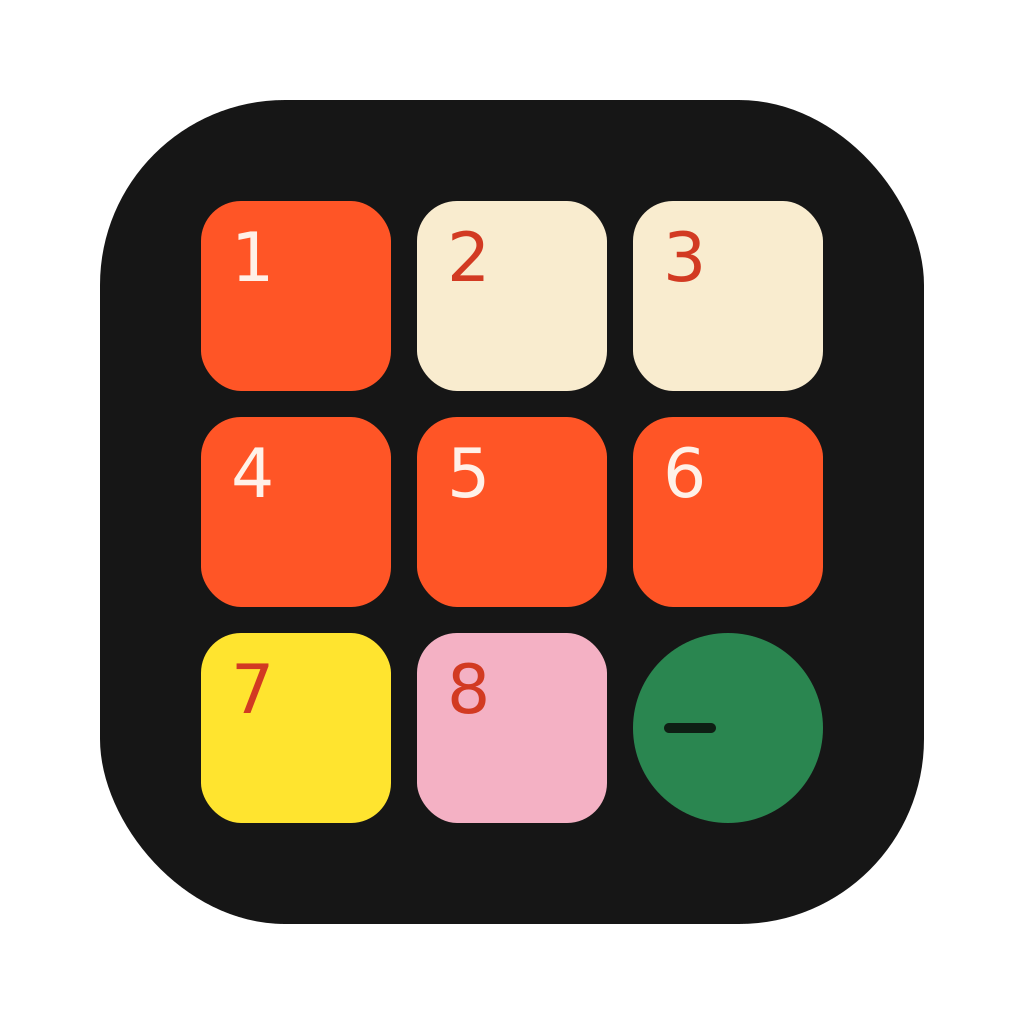
To record it: Drum Pad ($19 once) is a 3×3 drum pad in the Mac menu bar, played on Q W E / A S D / Z X C.

- 1
Press Record.
The metronome counts in one bar, four clicks, so you start on the one.
- 2
Play the beat,
with the metronome still going.
- 3
Stop, then Save MIDI
to keep the notes, or Save audio to keep the sound.
Take it into GarageBand or Logic
- 1
Drag the MIDI file
from Finder onto the empty area under the tracks.
- 2
Pick a drum kit
for the new track in the Library.
- 3
Loop it
under the rest of the song.
MIDI files from the drum sequencer use the standard General MIDI drum map, so the kick lands on a kick and the snare on a snare in most drum kits.
GarageBand is free on every Mac, and it has drum kits and a Drummer that plays along by itself. If you already work in it, you can make the whole beat there. The browser grid and the pad are for when you want a beat in a minute, without a project.
Make it sound less like a machine
- Add swing. 55 to 60% makes a straight beat bounce. Lo-fi and boom bap often sit there.
- Vary the hats. Leave one out, or put an open hat on the last eighth before the snare.
- Change the fourth bar. A fill, a missing kick or a snare roll tells the listener the phrase is ending.
- Use one sound of your own. A snare from a record or a vocal word on a pad makes the beat yours. See how to sample a song on a Mac.
Sources
2
- Import audio and MIDI files in GarageBand on Mac, Apple
- General MIDI percussion map, Finale user manual
 Clips8 min read