Sampling a song means taking a short piece of its sound, like a drum hit, a vocal word or one chord, and playing it as an instrument. On a Mac it takes three steps: record the piece, cut it to the hit, and put it on a pad.

DOT ($49 once, free for 10 recordings) records any sound your Mac plays on macOS 14.4 or later, with no driver, and each take shows its key and BPM, so you know what your sample will fit.
The three steps

- 1
Record the part.
Play the song in any app, like Music, Spotify or a browser, and record what the Mac plays.
- 2
Cut it to the hit.
Keep only the sound you want, starting right on it.
- 3
Drop it on a pad.
Drag the file onto a pad and play it from the keyboard.
Record the part as it plays
Since macOS 14.4, apps can record the Mac’s sound directly, after one permission. You don’t need BlackHole or any other driver.
In DOT:
- 1
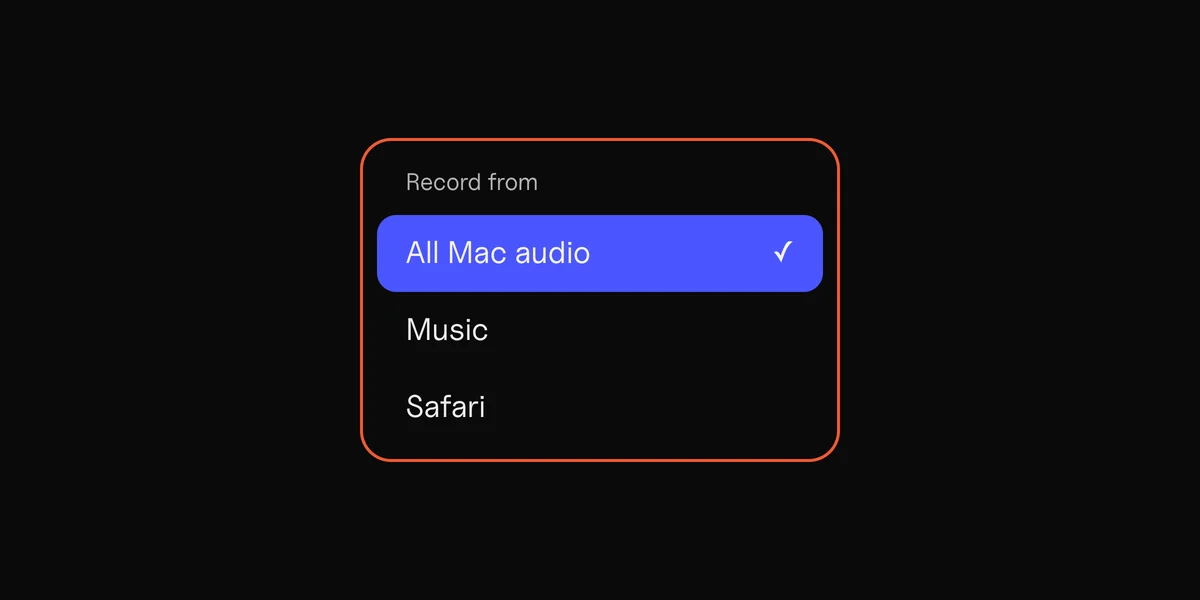
Click Source
and pick the app that plays the song, or All Mac audio.
- 2
Press Record,
play the part you want, and stop.
- 3
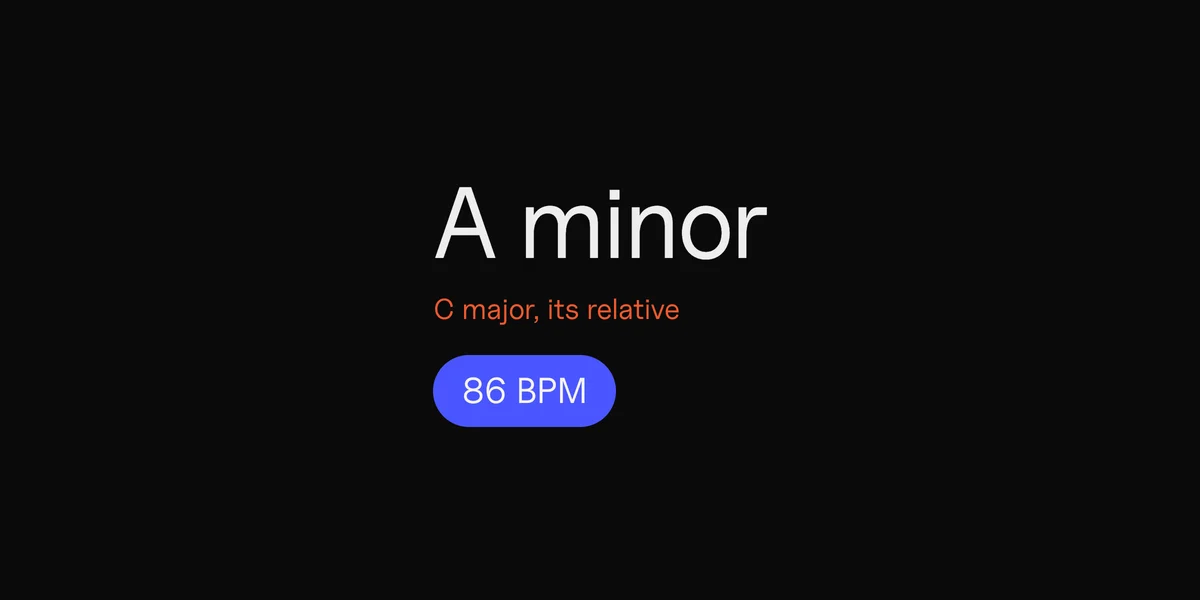
Look at the key and BPM.
DOT shows them for every take, so you know which songs your sample will sit in.
Record a little more than you need. It’s easier to cut a sample down than to record it again.
To record for free, see how to record internal audio on a Mac. It takes a free driver and some setup.
Cut it so it starts on the hit
A pad plays the whole file from its first moment, so any silence before the sound makes the pad feel late.

- Start on the hit. Move the start to the very beginning of the sound, not the quiet before it.
- Keep it short. A drum hit or a word is a fraction of a second. A chord or a riff is a bar or two.
- Save the cut as its own file. Keep the full take too, in case you want a different piece later.
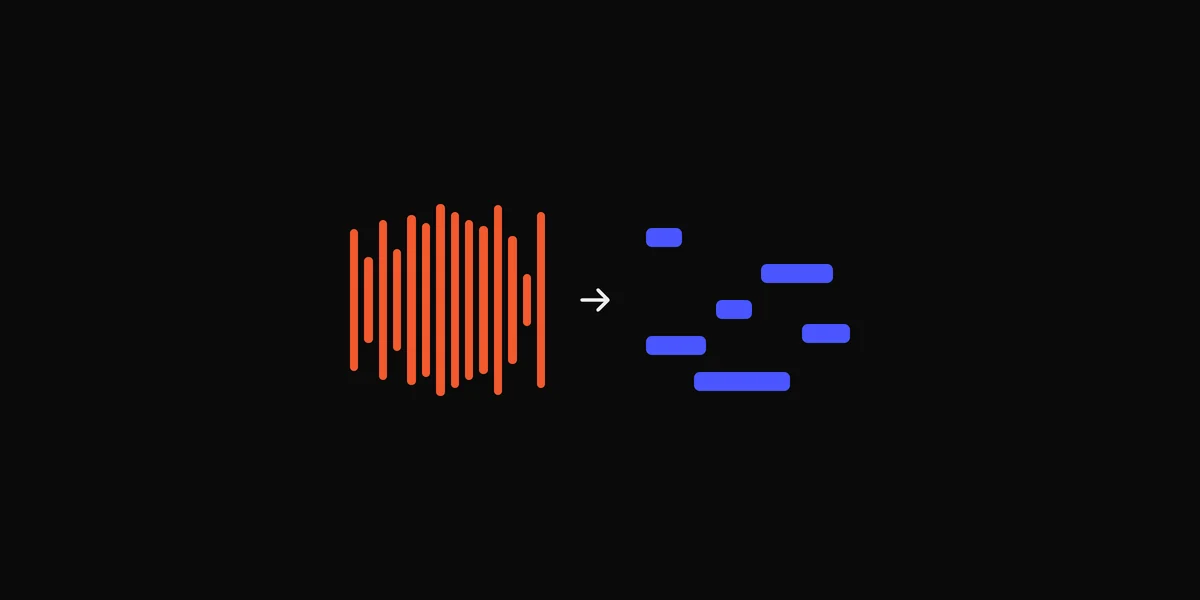
In DOT, drag the handles under the waveform to the part you want. They snap to the beat, which suits a loop. Hold ⌘ while you drag to move freely, which suits a single hit. ⌘D saves the part as a new clip and keeps the full take.
Any audio editor does this too, like Audacity, which is free.
Drop it on a pad and play it
For free, in your browser: the drum pad takes a WAV, AIFF, MP3, M4A or FLAC on any of its 16 pads, up to 30 seconds each, and plays it from your keyboard. Your sounds stay there the next time you open the page.
In Logic Pro: drag the file below the last track and choose Quick Sampler (Original) to play it across the keyboard at different pitches, or Drum Machine Designer to put it on a pad. GarageBand for Mac has no sampler instrument, but GarageBand on iPhone and iPad has one, and it’s free.
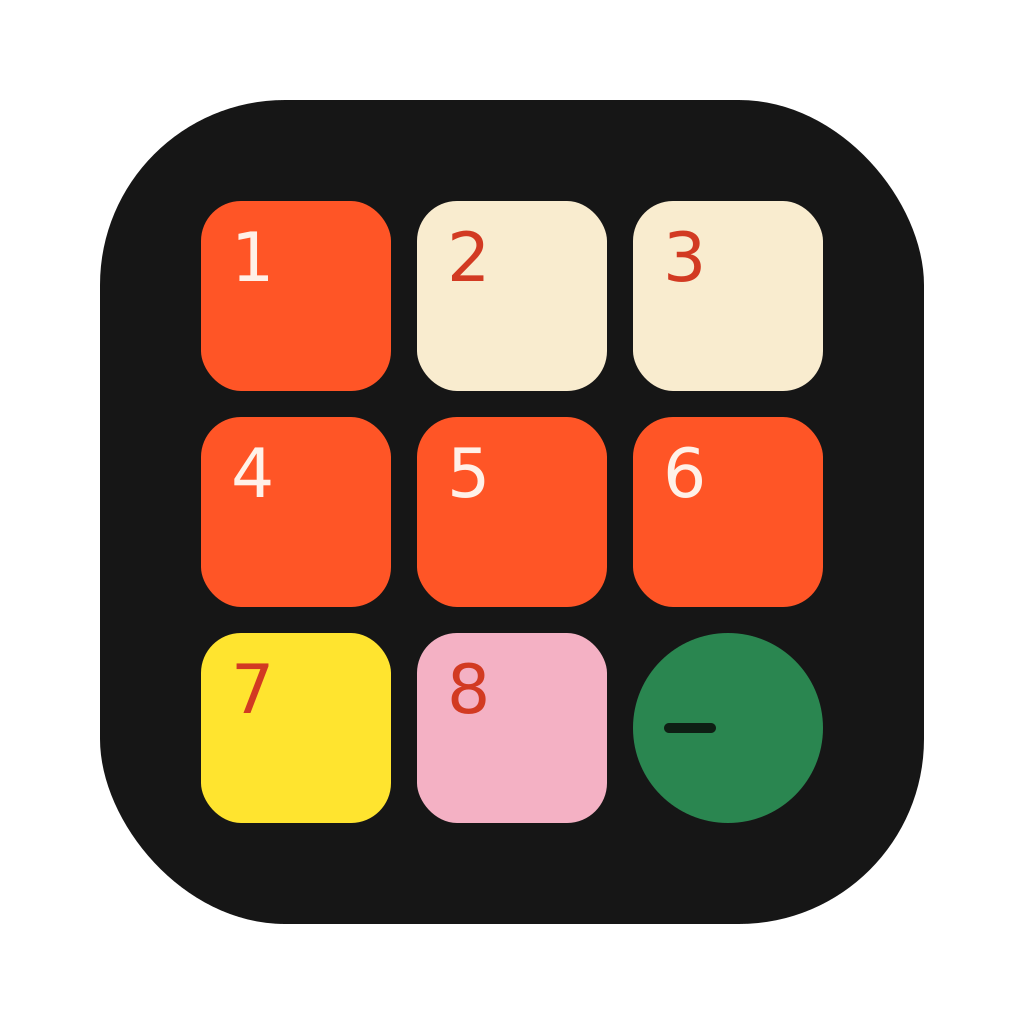
From the menu bar: Drum Pad ($19 once) is a 3×3 drum pad that drops down from the Mac menu bar. Drag a take from DOT, or any WAV or MP3, onto a pad, and play it on Q W E / A S D / Z X C over whatever app you’re in.
What sounds make good samples
- One drum hit, where the song plays it alone, like the first snare after a break.
- A single vocal word or breath, for a vocal chop.
- One chord, held, to play as a stab.
- A short loop of a bar or two, trimmed on the beat so it repeats cleanly.
The cleaner the moment, the better the sample. A hit with the bass and vocal over it brings them along.
Can you release a song with a sample?
To practise, make beats for yourself or learn how a song was made, sample anything. To release a song with someone else’s recording in it, you need permission twice: from the owner of the recording, usually the label, and from the owner of the song, usually the publisher. Distributors and streaming services take down songs with samples that weren’t cleared.
The other way is to record the part yourself, or use sounds that come free to use, like your DAW’s own loops and kits.
 Clips8 min read