A chord finder from audio listens to a song file, a voice memo or a loop and names the chords in it.

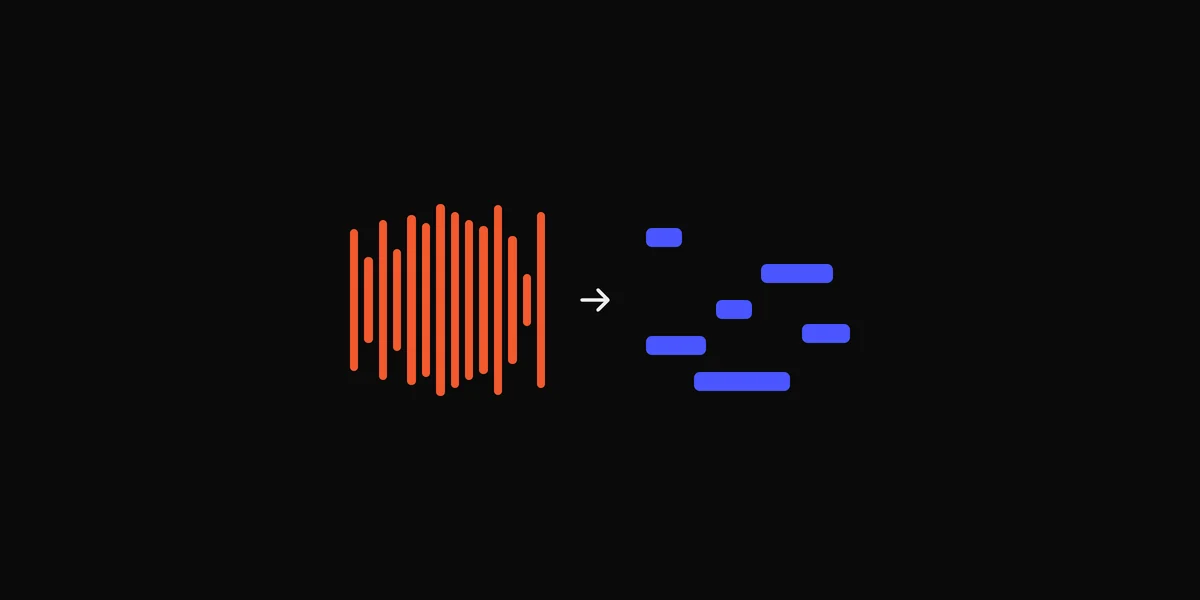
On a Mac, DOT ($49 once, free for your first 10 files) reads the chords of any song file or anything your Mac plays, one per half bar with the key and BPM, and exports them as MIDI for your DAW.
By ear
Find the home note first, then the bass note under each change, then whether each chord sounds major or minor. It takes longer than an app, but you hear the passing chords and the way each chord is stacked, which an app flattens into one name. The guide to finding the chords of any song walks through it step by step.
Chordify, Moises and Capo
Chordify shows the chords of popular songs, and of YouTube videos, on a timeline you play along with. Downloading the chords as MIDI needs Premium. The Chordify alternatives guide compares nine other apps and their prices.
Moises reads the chords of a file you upload. It’s free for the first minute of each song, and it exports a chord chart for iReal Pro or notation apps. It has no MIDI export.
Neither can hear something that’s only playing live, like a stream or a synth demo. Record it first.
Capo, for Mac and iPhone, finds the chords, beats and key of songs you own and lets you correct them. Pro is $39.99 a year, and on the Mac it exports the chords as MIDI.
| App | Cost | Reads | The catch |
|---|---|---|---|
| Chordify | Free; MIDI needs Premium ($42 a year) | Popular songs and YouTube videos | Only songs it can find |
| Moises | Free for the first minute of each song | Files you upload | No MIDI export |
| Capo | Pro $39.99 a year | Songs you own | Needs the song as a file |
| DOT | Free for 10 files, then $49 once | Files, and anything your Mac plays | Mac only, macOS 14.4 or later |
On a Mac with DOT
DOT reads the chords of audio files you drop on its window, and of anything you record with it.
- 1
Drop the files on DOT.
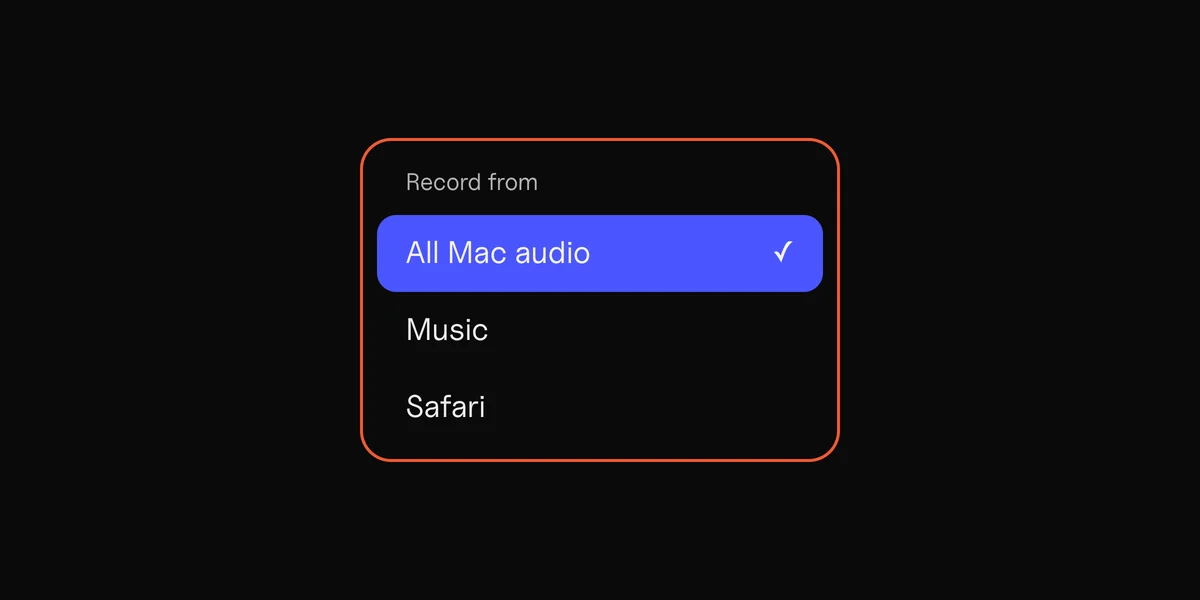
WAV, AIFF, MP3 or M4A, up to 50 at a time. Or press Record while the song plays on your Mac.
- 2
Read the chords.
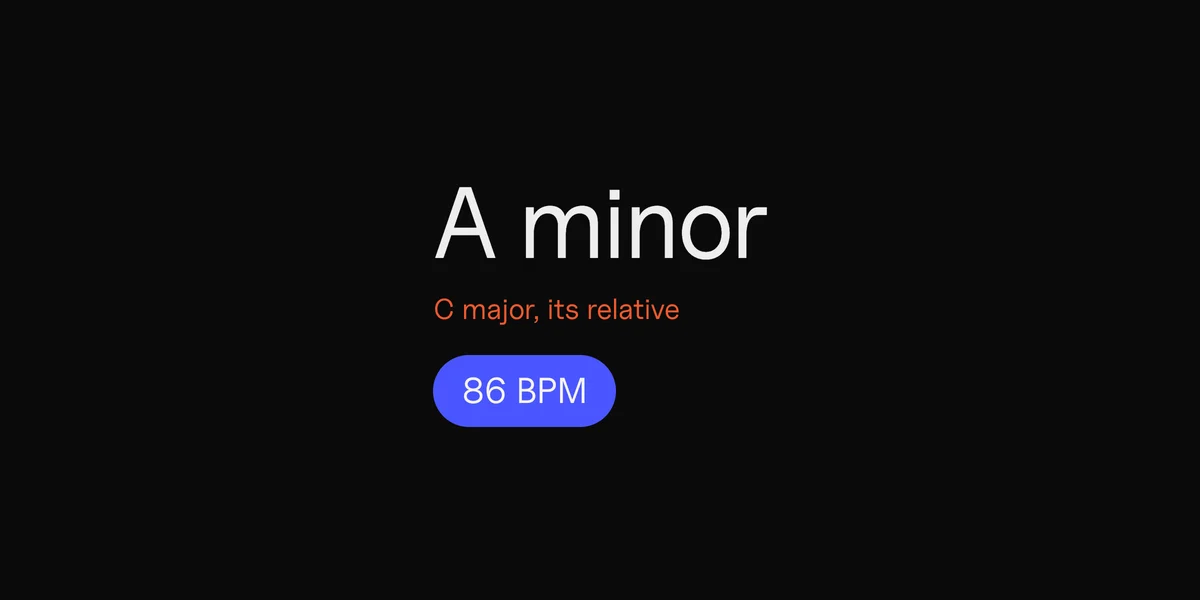
DOT names the chord in each half bar, with the key and BPM above.
- 3
Export the chords as MIDI.
Click Export, choose Export chords as MIDI, and drag the file onto a track in your DAW (the app you make music in, like Logic or Ableton).
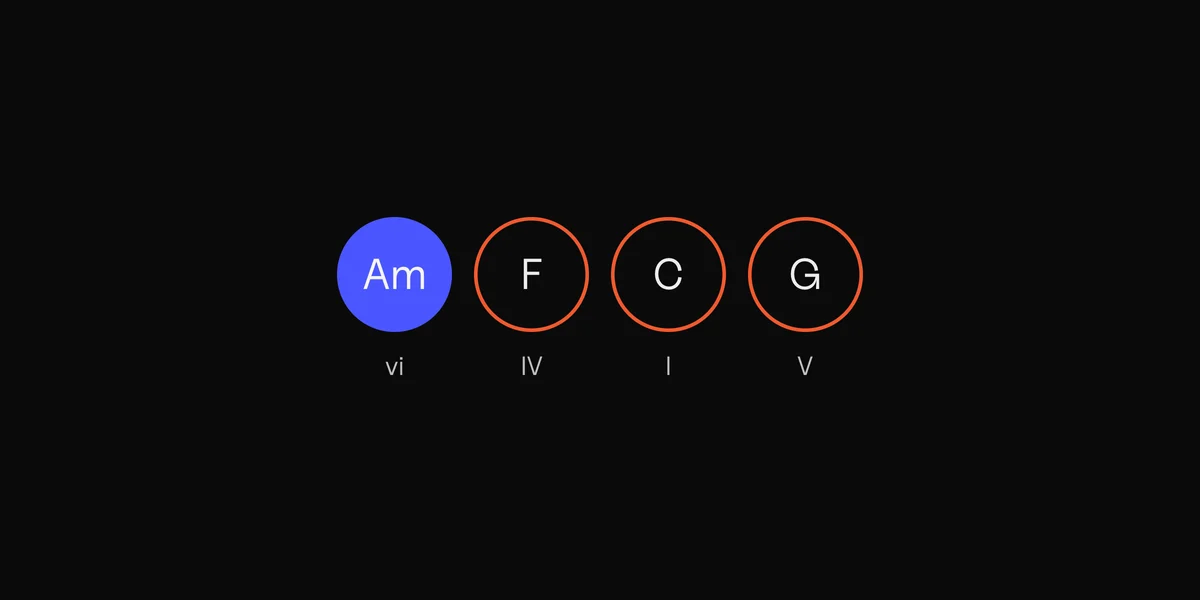
Chords as DOT shows them, one per half bar.
The first 10 files and 3 chord MIDI exports are free. After that DOT is $49 once.
Where chord finders go wrong
Every app here, DOT included, makes the same kinds of mistake.
- A chord with a different bass note, like C over E, can come out as the bass note’s chord.
- Pads, distortion or heavy vocals in a busy mix blur what’s underneath.
- Quick passing chords get folded into the chord around them.
- Sevenths and suspended chords come out plain, or the other way round.