Three ways, compared
| By ear | Chord finder apps and sites | DOT | |
|---|---|---|---|
| Works on | Anything you can hear | Songs in their catalog, or files you upload | Anything your Mac plays: YouTube, Spotify, a preset demo |
| You get | Chords you trust, slowly | Chords on a timeline | Key, tempo and a chord for every half bar |
| As MIDI | You play it in yourself | Some, with a paid plan | Yes, one key press |
| Cost | Free | Free tiers, paid plans for more | 10 recordings and 3 chord MIDI files free, then $49 once |
1. By ear: how to work out a song's chords
It's slower, but you learn the song, and you can check any finder's answer the same way. You need a keyboard or a guitar.
- Find the key first. Drop the song into our free key finder, or find the home note by ear (our key and BPM guide shows how).
- Follow the bass. The bass usually plays each chord's root. Play low notes along with it until they match, and write down where it moves.
- Major or minor? Over each bass note, play the note three half steps up (minor third), then four (major third). The one that fits names the chord. Not sure what you're playing? Press the notes into our chord finder and it names the chord.
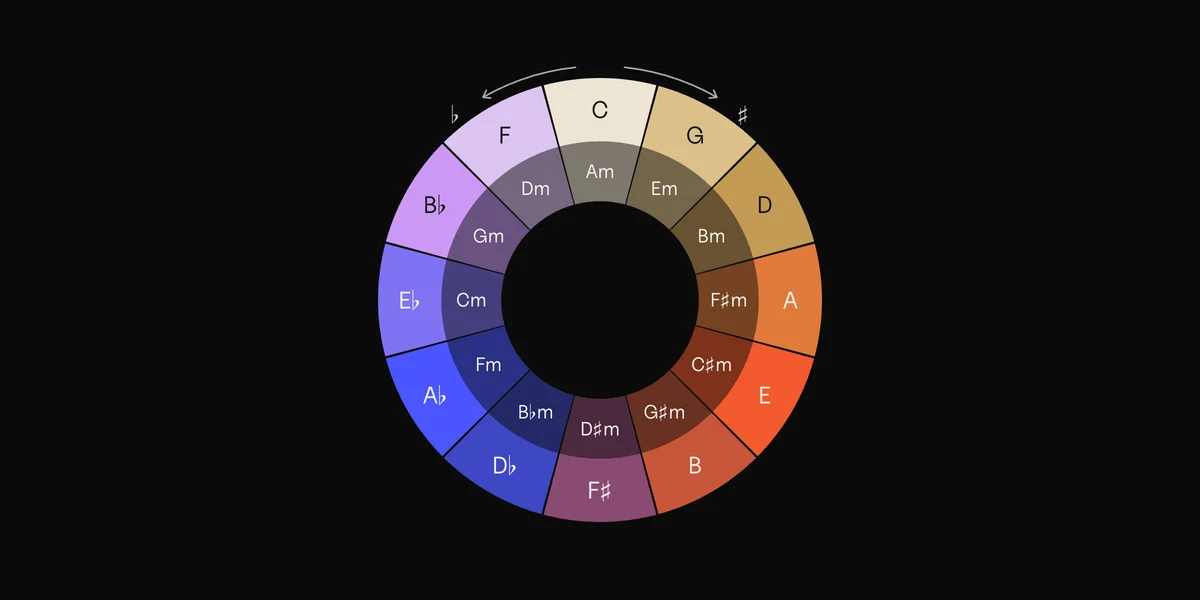
- Start with the chords of the key. In a major key, four chords do most of the work: the I, IV, V and vi. In C major that's C, F, G and Am. Try those first. If the chords you wrote down sit too high or low for your voice, the chord transposer moves them all to a new key at once.
- Listen for when the chords change. Most pop songs change chord once or twice a bar. Tap along to find the bar (our tap tempo helps).
- Play it along with the song. If a chord clashes, try its seventh, or the same chord with a different bass note.

2. Chord finder apps and websites
These listen to the audio and guess the chords. All of them are guesses: check the result by ear.
- Chordify (web, iPhone, Android) shows the chords of popular songs on a timeline. MIDI download needs Premium ($42 a year).
- Moises (web, desktop, iPhone, Android) detects the chords of a file you upload. It's free for the first minute of each song and unlimited with Premium or Pro. It exports chord charts (iReal Pro, MusicXML), not MIDI.
- Chord ai (iPhone and Android) listens through the microphone in real time, or loads a song. There's a free version and a paid full version.
- Capo (Mac and iPhone) finds the beats, chords and key in songs you own, and lets you correct them. Exporting MIDI on the Mac needs Pro ($39.99 a year).
- Logic Pro 12's Chord ID: drop an audio region on the Chord track and Logic writes the chords there.
The catch: most of these need a file, or a song that's in their catalog. A synth's preset demo, a live stream or a sound from a video usually isn't either.
3. From anything your Mac plays: record it with DOT
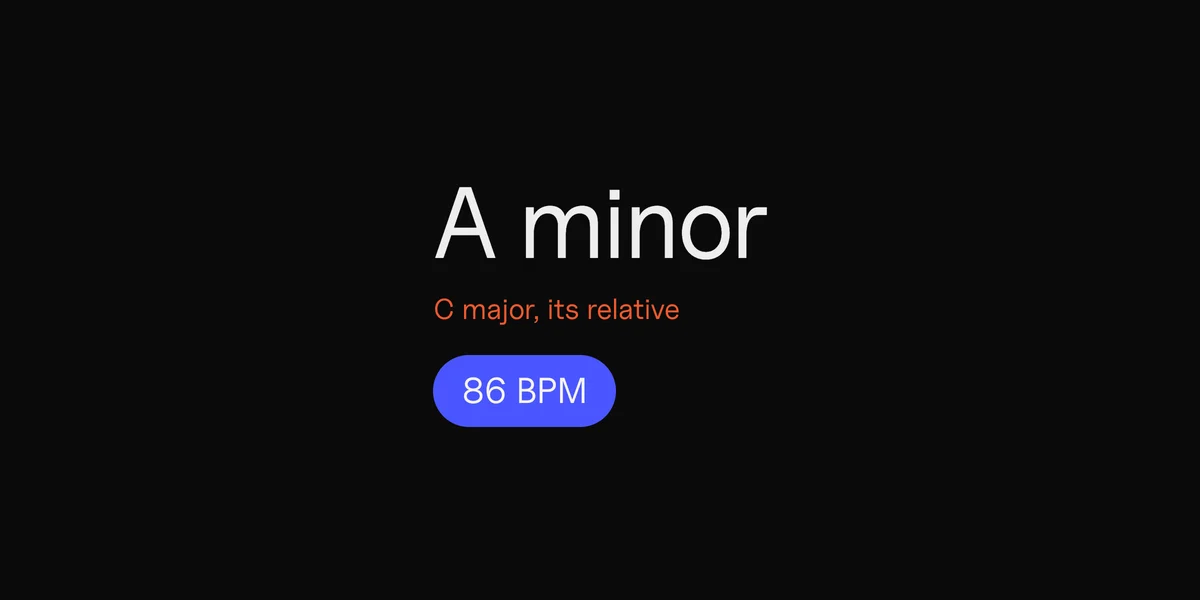
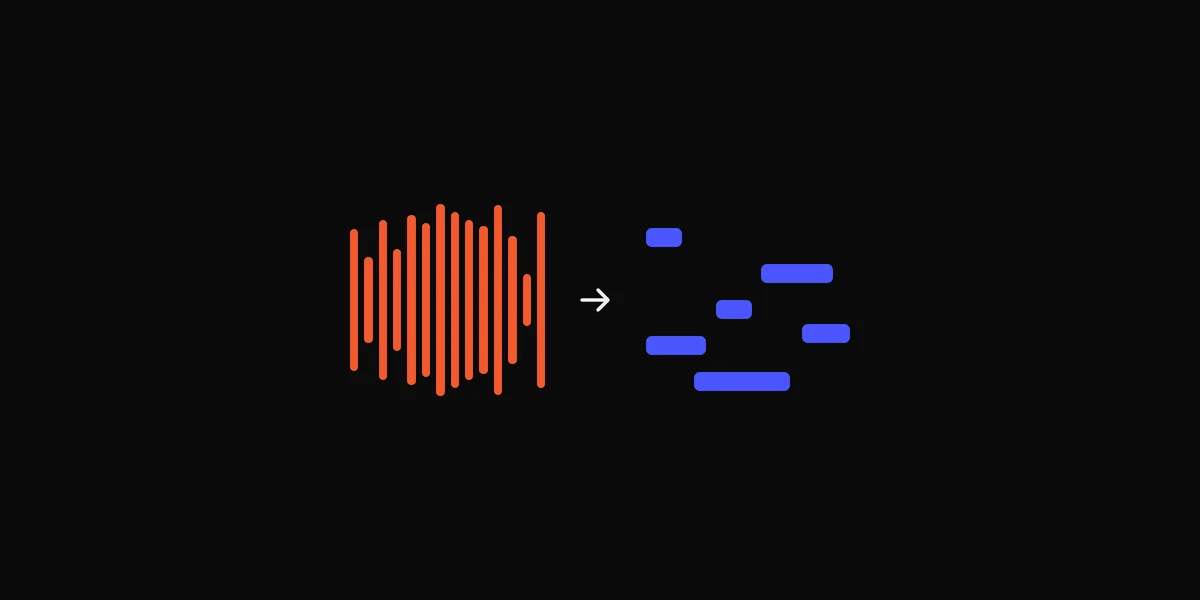
DOT is a Mac recorder for producers. It records whatever your Mac is playing and finds each clip's key, tempo and a chord for every half bar, so it works on anything you can play: a YouTube video, a Spotify song, a preset demo.
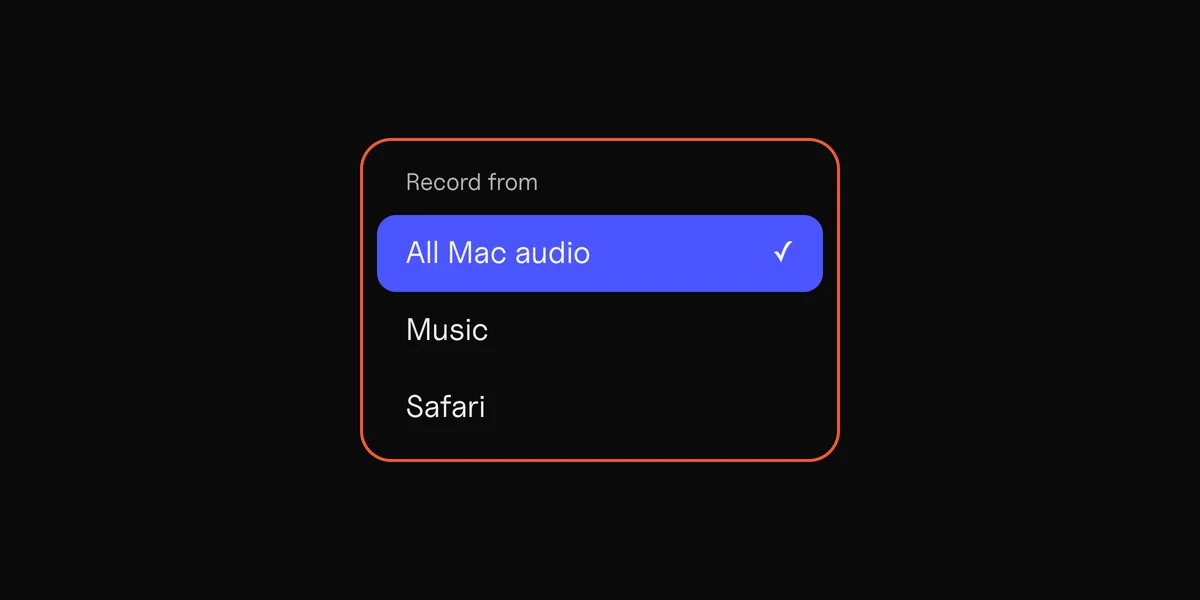
- Open DOT and leave the source on All Mac audio, or pick the app that's playing.
- Press ⌘R, let the part play, and press ⌘R again.
- The clip lands trimmed, with its key, tempo and chords on the grid.
- Press ⌘E and choose Save chords as MIDI, or drag the clip into your DAW.
The MIDI file holds block chords on the beat, at the clip's tempo, with a bass note under each one. DOT names major, minor, seventh and diminished chords, so a Cm9 comes out as Cm7. Like every chord finder, it's a starting point: play the chords back and trust your ears.
Play any song. Get its chords as MIDI.
By ear
A keyboard and a slow hour.
DOT
Press ⌘R while it plays.
Why chord finders disagree
- Bigger chords get simplified. A Cm9 or a sus chord is often written as Cm7 or a plain triad.
- The bass note changes the name. C with E in the bass (C/E) can be read as Em or C.
- Passing chords are short. A chord that lasts half a beat can be missed or merged with the next.
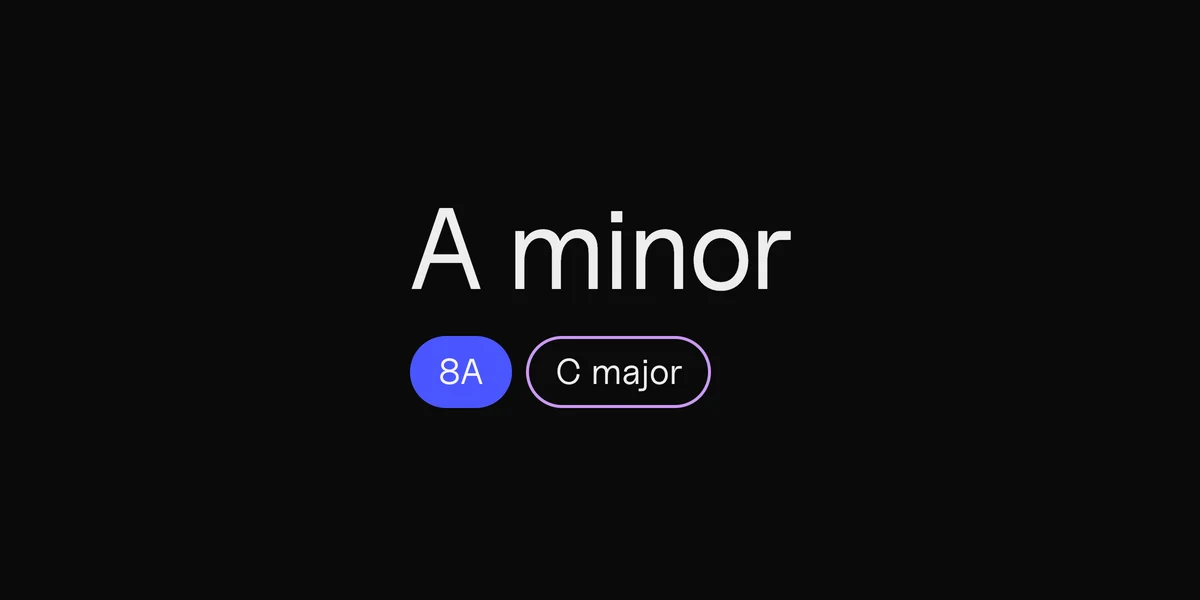
- Two keys share the same notes. C major and A minor have the same chords, so the key, and the chord names that follow it, can flip.
Use what you have the right to use
Working out a song's chords is fine for learning it, practicing and writing your own music over a progression. Before a recording or a melody from someone else's song goes into a release, clear it with whoever owns it.
Questions
Can I find the chords of a YouTube video?
Yes. Play it and record it with DOT, which gives you the key, tempo and chords. Chordify also has many songs from YouTube. Or work it out by ear while it plays.
Is there a free chord finder from audio?
Moises detects the first minute of each song for free, Chord ai has a free version, and DOT's first 10 recordings and 3 chord MIDI files are free. Working it out by ear is always free.
Can I get a song's chords as MIDI?
Yes. DOT saves them as a MIDI file with one key press. Chordify Premium and Capo Pro export MIDI too, and Logic Pro's Chord ID puts them on the Chord track.
Why are the chords I found wrong?
Usually the song has richer chords than the finder names (sevenths, ninths, a different bass note), or the key was read as its relative minor or major. Play the result along with the song and adjust by ear.
Do I need to know the key to find the chords?
It helps a lot: most songs use the chords of their key. Find it first with a key finder, then try the key's chords.
Sources
- Chord finder, Moises
- Chord ai
- Chordify Premium
- Capo pricing, SuperMegaUltraGroovy
- Logic Pro, Apple
 DOT7 min read