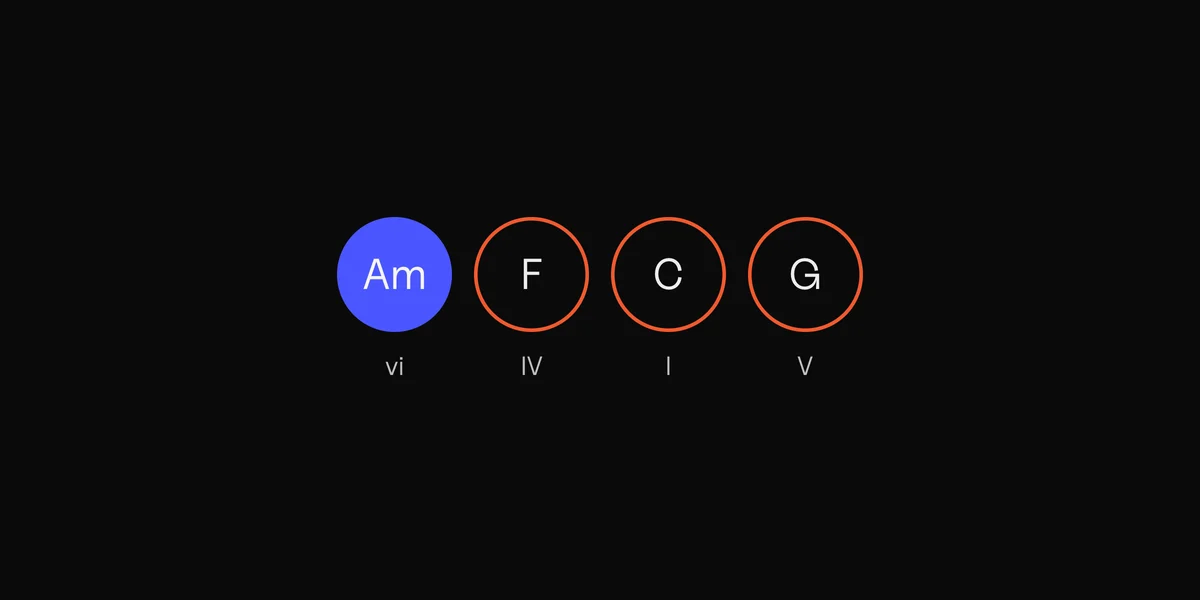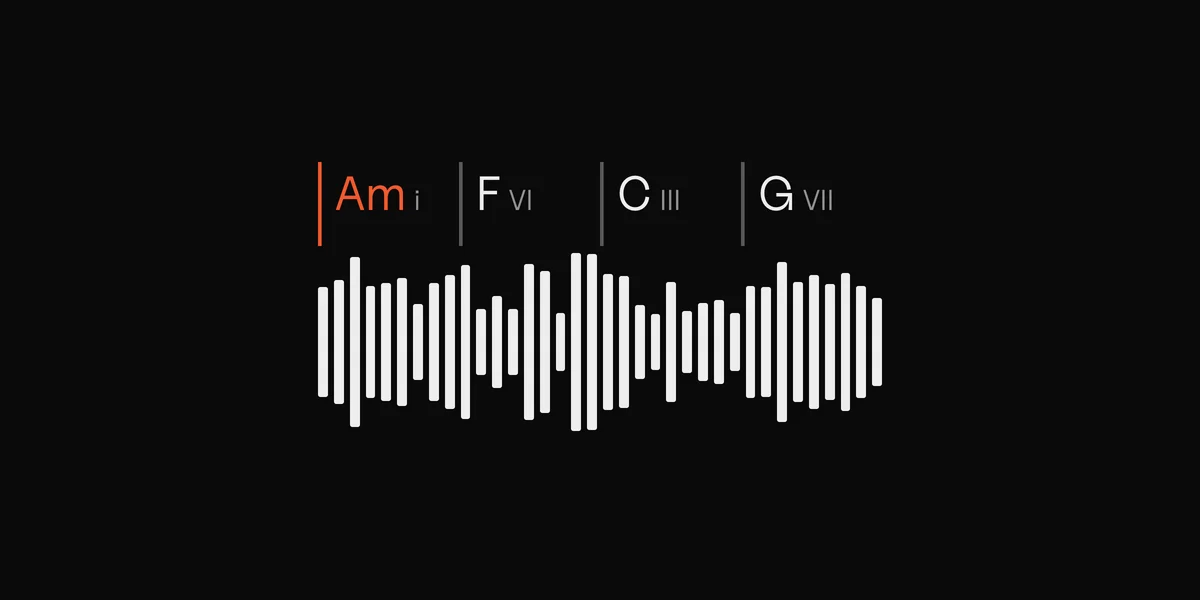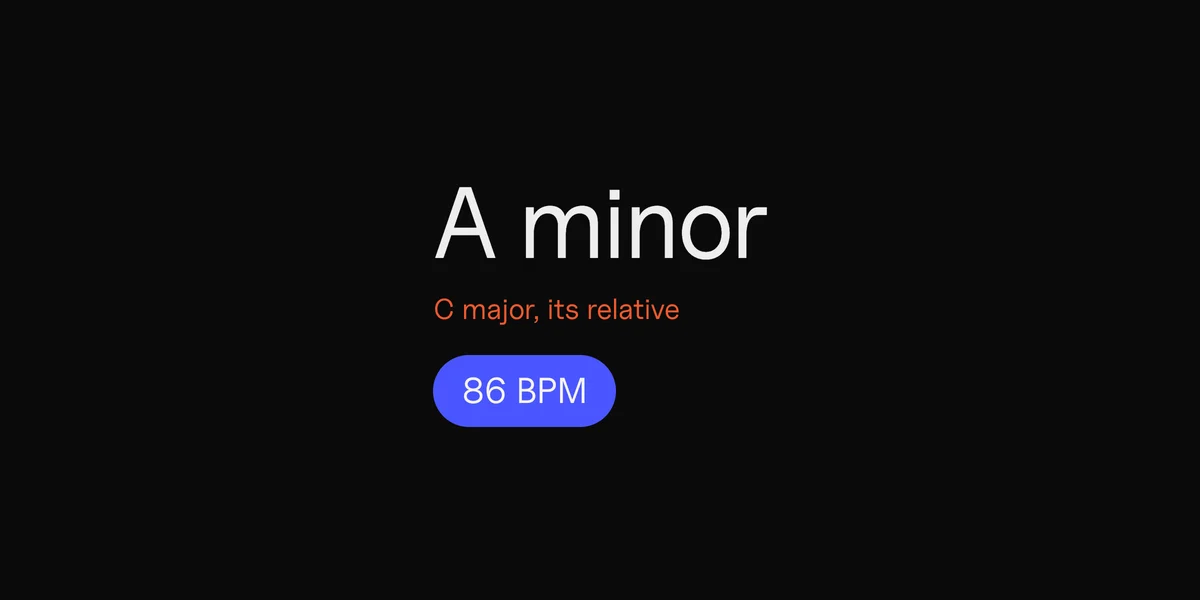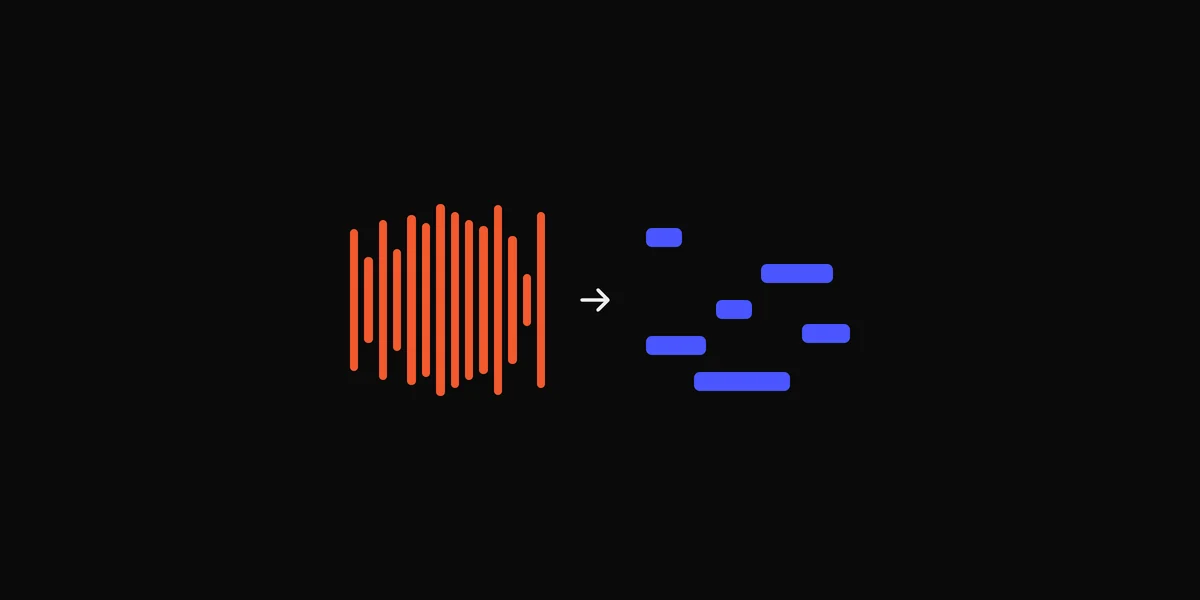
Chordify shows the chords of a song on a timeline while it plays, on the web, iPhone and Android. Without an account you can play 2 songs a day on the website; a free account raises that to 4. Unlimited songs need a subscription, and MIDI downloads and uploading your own files need Premium, which is $42 a year in the App Store. Most people looking for an alternative want one of three things: no daily limit, no subscription, or chords for a song that Chordify can’t find.

On a Mac, DOT ($49 once, free for your first 10 recordings) records a song from YouTube, Spotify or any other app, names a chord for every half bar with the key and BPM, and exports the chords as MIDI.
Chordify alternatives compared
| App | Cost | What it reads, and where | The catch |
|---|---|---|---|
| DOT (ours) | Free for 10 recordings and 3 chord MIDI files, then $49 once | Anything your Mac plays, or a file you drop in. Mac | Mac only, macOS 14.4 or later. No tabs or chord diagrams |
| Chord ai | Free for basic chords. Pro is $69.99 a year on iPhone | The mic, YouTube, SoundCloud or a file. iPhone, iPad, Android | Slash chords, extended chords and voicings need Pro |
| Moises | Free for the first minute of each song. Premium is $39.99 a year | Files you upload. Web, Mac, iPhone, Android | Chord charts export to iReal Pro or MusicXML |
| Capo | Free Edition. Pro is $39.99 a year on the Mac | Songs you have as files. Mac, iPhone, iPad | MIDI export is Mac only and needs a paid plan |
| Scaler Detector | Free | Audio or MIDI, as an app or a plugin in your DAW. Mac and Windows | Made for producers, with no song library to play along to |
| Chord Tracker | Free, from Yamaha | Songs stored on your phone. iPhone, iPad, Android | Can’t read streaming or DRM-protected songs |
| Logic Pro | Included with Logic Pro | Audio regions dragged to the Chord track | Only inside Logic, on a Mac |
| Ultimate Guitar | Free tabs. Pro from $39.99 a year | Tabs and chord sheets people wrote. Web, iPhone | Only songs someone has written up |
| Songsterr | Free tabs with playback. Plus is $9.99 a month | Over a million tabs. Web, iPhone, Android | Tabs made from a YouTube link need Plus |
| Chordify | 4 songs a day free. Premium is $42 a year | Its song library, YouTube, and your uploads with Premium. Web, iPhone, Android | A daily limit, and a subscription for MIDI and uploads |
Which one to pick

- To play along on your phone, pick Chord ai. It listens through the mic, so it works for a song on the radio or a friend playing. Basic chords are free.
- To learn a guitar part note for note, pick Ultimate Guitar or Songsterr. A chord app gives you the chord names. A tab shows the riff, the solo and where your fingers go, and people who play the song wrote it.
- For a song you have as a file, pick Capo. It shows chords, beats and the key on the Mac or iPhone, and you can fix a wrong chord and keep the fix. Moises does the first minute of each song free.
- To use the chords in your own music, pick DOT or Scaler Detector. Scaler Detector is a free plugin that names the key and chords of audio in your DAW. DOT records the song from any app on your Mac and saves the chords as a MIDI file you drag onto a track.
Free Chordify alternatives
Several of these cost nothing for what most people need:
- Scaler Detector is free on Mac and Windows, as a standalone app or a plugin.
- Chord Tracker, from Yamaha, is free on iPhone, iPad and Android, for songs stored on the phone.
- Chord ai is free for the basic chords: major, minor, sevenths, sus and diminished.
- Ultimate Guitar and Songsterr let you read their tabs for free.
- Capo’s Free Edition reads your songs on the Mac and iPhone. Saving chord edits and exporting need a paid plan.
- DOT’s free version keeps your first 10 recordings and 3 chord MIDI files, with no time limit.
You can also work the chords out by ear for free. Find the key with the key finder, follow the bass under each change, and press the notes you hear into the chord finder to name the chord. The guide to finding the chords of any song walks through it.
On a Mac: the chords of anything with DOT
Chordify reads a song when it’s in its library, on YouTube or uploaded by a Premium user. A synth’s preset demo, a livestream or a beat playing in a browser tab usually isn’t any of those. DOT records whatever your Mac is playing, so any of them works.
- 1
Pick the source.
Open DOT, click Source and choose the app that’s playing, or All Mac audio. If you have the song as a file, drop it on the window instead.
- 2
Record the part you want.
Press Record, let it play, then stop.
- 3
Read the chords.
The recording lands trimmed, with its key and BPM and a chord for every half bar.
- 4
Export the chords as MIDI.
Press ⌘E and choose Export chords as MIDI, then drag the file onto a track in Logic, Ableton or FL Studio.
DOT names a chord for every half bar of the recording.
DOT is $49 once, for up to 3 of your own Macs, with a free version that has no time limit. It names major, minor, seventh and diminished chords, so a Cm9 comes out as Cm7. It has no iPhone app, no tabs, no chord diagrams for guitar and no song library to browse. If you learn songs on your phone or want fingerings, Chord ai or a tab site will serve you better.
Every chord app guesses
All of these, Chordify and DOT included, miss passing chords, simplify big chords and sometimes read a song in its relative minor. Play the chords back against the song and trust your ears. The chord finder from audio guide shows where they go wrong and how to check.
Sources
10
- How do I get my free songs? and What are the subscription options?, Chordify Support
- Chordify on the App Store
- Chord ai and Chord ai on the App Store
- Chord finder, Moises, and Moises on the App Store
- Capo and its pricing, SuperMegaUltraGroovy
- Scaler Detector, Scaler Music
- Chord Tracker on the App Store, Yamaha
- Analyze the chords in audio or MIDI regions, Apple
- Ultimate Guitar on the App Store
- Songsterr Plus and Songsterr on the App Store