Who gets the Record button
Zoom gives the host a Record button on the free plan too, and the host can let others record. Google Meet records on paid Workspace plans and on Google One with 2 TB or more, once an admin turns it on, and the host can let others record. Microsoft Teams lets people in the organizer’s company or school record, with a work or school license; guests can’t. FaceTime has no Record button.
If you have the button, use it. Everyone sees the recording start, and you get video too.

With no Record button, or on FaceTime, DOT ($49 once, free for 10 recordings) records the call’s sound and your mic into one audio file on a Mac, with no host permission, paid plan or BlackHole. It needs macOS 14.4 or later.
Record a call with DOT
- 1
Put on headphones.
Without them the call plays through your speakers into your mic, and the other people end up in the recording twice, a moment apart.
- 2
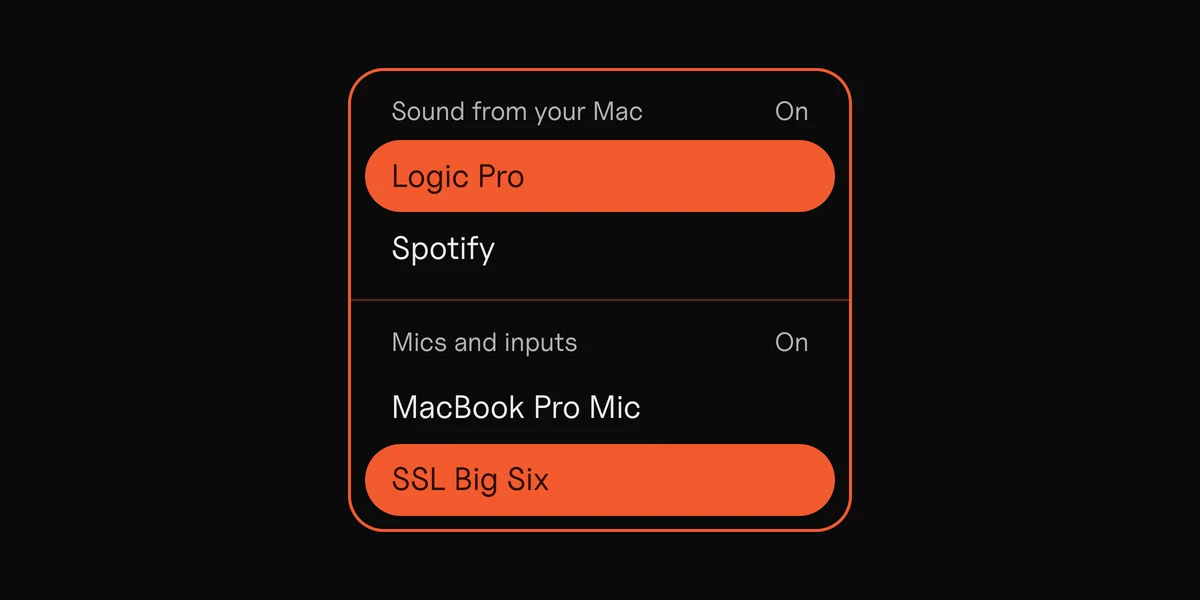
Open DOT and click Source.
- 3
Pick the call under Sound from your Mac.
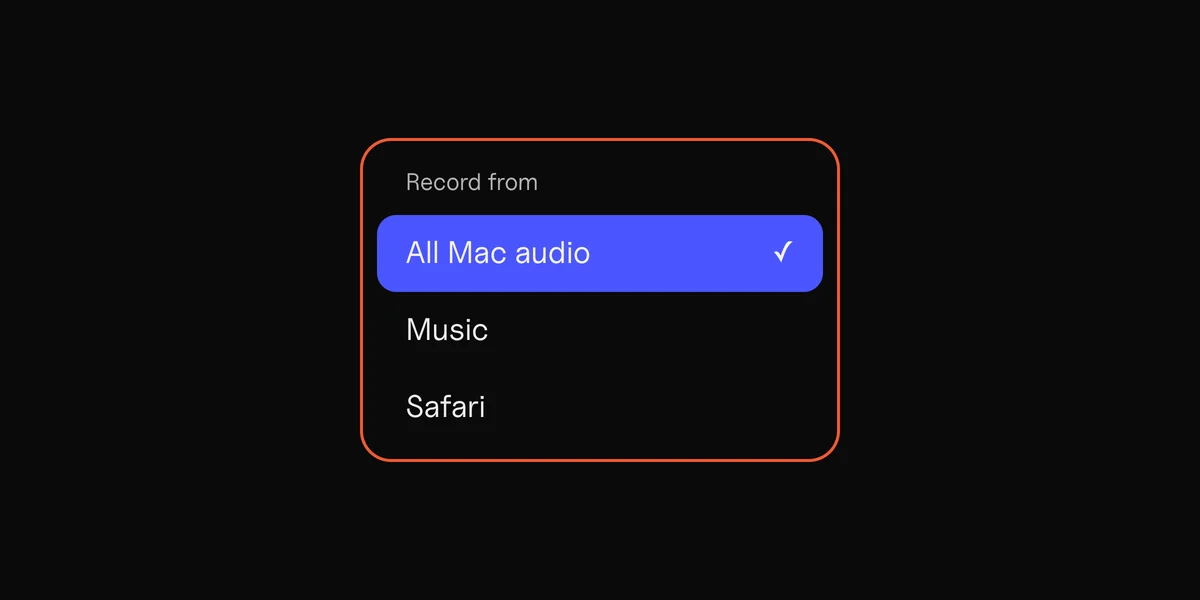
Choose zoom.us (that’s Zoom), Microsoft Teams, or the browser Meet runs in. For FaceTime choose All Mac audio, because FaceTime’s sound plays through macOS itself.
- 4
Pick your mic under Mics and inputs.
Turn that part On and choose the mic the call uses. Both apps can use it at once, and you sound the same to the others.
- 5
Record.
Press Record when the call starts and Stop & keep when it ends.
Both parts On. The Zoom call and your mic, in one recording.
All Mac audio works for any call app. It also picks up notification sounds, so turn on Do Not Disturb first.
DOT doesn’t need the host’s permission or a paid plan, because it records what your Mac plays and what your mic hears. There’s no length limit, and the recording saves as WAV, MP3, AIFF or M4A.
What DOT doesn’t do
DOT records sound only. For the picture, use the app’s own recorder, or the Screenshot toolbar (⌘⇧5).
It doesn’t write a transcript. And the call and your mic come out mixed in one file, with no separate tracks.
Tell everyone first
Recording a call without the others knowing can be against the law where they are. In the US, federal law and most states need one person’s consent, but some states, California among them, need everyone’s. When people are in different places, ask everyone.
The call apps tell people when their own recorder starts. DOT doesn’t show in the call, so say it out loud at the start, and stop if anyone says no.
Sources
4
- Enabling and starting local recordings, Zoom
- Record a video meeting, Google Meet Help
- Start, stop and find meeting recordings in Microsoft Teams, Microsoft
- Recording phone calls and conversations, Digital Media Law Project