
DOT ($49 once, free for 10 recordings) records a USB turntable, or a turntable through an audio interface, on a Mac with macOS 14.4 or later, and saves each track trimmed with its BPM and key.
What you need
The needle’s signal is very weak and has its bass turned down, so it needs a phono preamp, a small box that boosts it and puts the bass back. A USB turntable, like Audio-Technica’s AT-LP60XUSB or AT-LP120XUSB, has one inside, so its USB cable goes straight into the Mac.
Many other turntables have a preamp built in too. If yours has a PHONO/LINE switch on the back, set it to LINE. Then plug it into an audio interface, a small box that brings cables into the Mac over USB, like a Focusrite Scarlett.
No switch means no built-in preamp. Put a separate phono preamp between the turntable and the interface, or plug the turntable into a DJ mixer’s PHONO input, which has the preamp in it.
A USB turntable
A turntable set to LINE
A turntable with no preamp
Into a DJ mixer
Four ways in. Each one passes the needle’s signal through a phono preamp once.
A turntable on PHONO into a line input sounds very quiet and thin. One on LINE into a PHONO input distorts. If it sounds wrong, check that switch first.
Set the level
Play the loudest track on the record and turn up the gain on the interface or mixer until it’s loud, with the clip light never on. Audacity’s own vinyl workflow aims for peaks around −6 dB. Once you press Record, DOT’s live waveform shows the level.
A recording that distorts can’t be fixed. One that’s a little quiet can be turned up later with DOT’s Normalize volume setting, which raises the whole recording by the same amount.
Record each track with DOT
- 1
Open DOT and click Source.
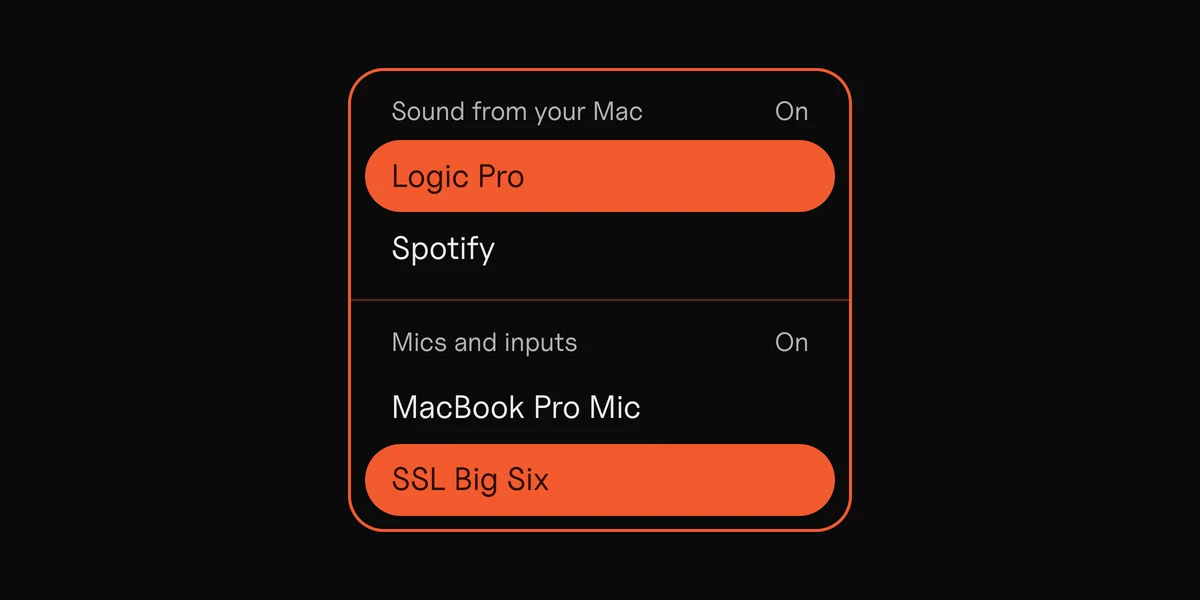
Turn Mics and inputs On and pick the USB turntable (often named USB Audio CODEC), or the interface or mixer it’s plugged into. On an interface, play the record and DOT finds which inputs the turntable is on, for example Inputs 3–4.
- 2
Turn Sound from your Mac Off.
Only the turntable is recorded, with no notification sounds from the Mac.
- 3
Record one track.
Put the needle down just before the track, press Record, and press Stop & keep when it ends.
- 4
Do the next one.
Lift the needle, put it down before the next track, and press Record again.
- 5
Name them.
Double-click the recording’s row in the list (“A2 Track name”).
The turntable alone, with the Mac’s sound Off.
DOT trims the silence at both ends. Surface noise isn’t always quiet enough to count as silence, so check the start, and drag the trim handle in if it needs it.
Why one track at a time
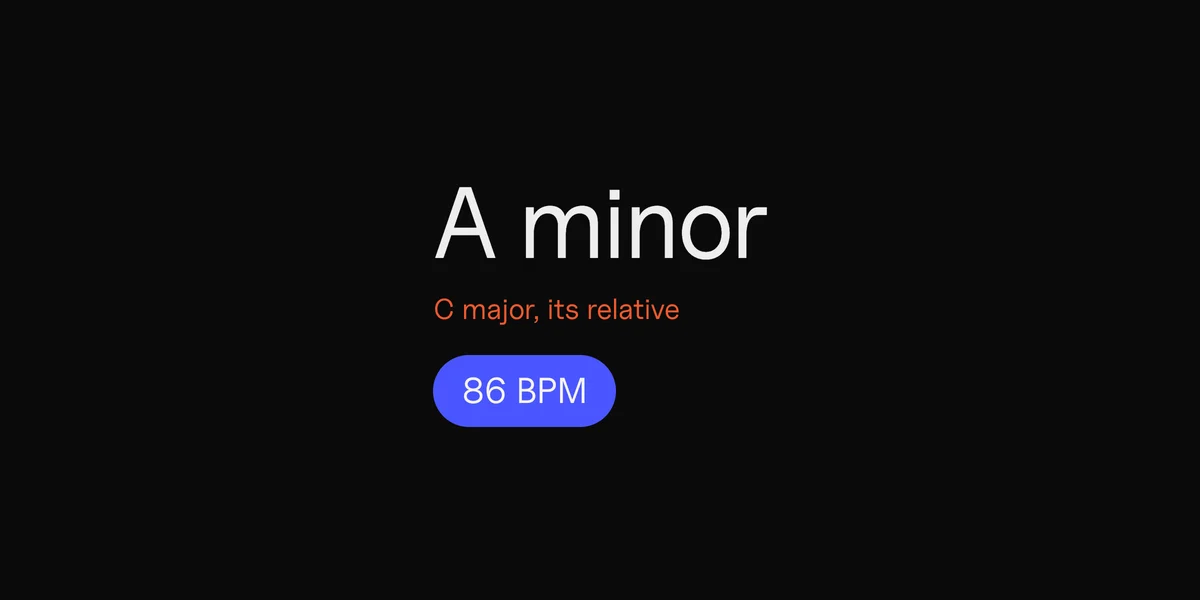
DOT gives each recording one key and one BPM, so a whole side in one file gets one answer for all four songs on it.
A whole side as one recording: one BPM and key for four songs
One recording per track
Track 1
122 BPM
A minor
Track 2
96 BPM
D major
Track 3
128 BPM
F minor
Track 4
110 BPM
G major
Example values, not from a real record.
For tapes, which need no preamp, see the guide to converting cassette tapes to digital on a Mac.
Save the files
Export each recording, or drag it from DOT’s list into a folder in Finder.
- MP3 at 320 kbps is small and carries the BPM and key in its tags.
- WAV or AIFF keeps the full recording, at 48 kHz and 16-bit.
DOT shows the BPM and key as you record, and the final reading when you stop. Rekordbox, Serato and Traktor work them out again when you import. DJs who mix by key can look up each key’s Camelot code on the Camelot wheel.
What DOT doesn’t do
DOT doesn’t split a side into tracks. Record one track at a time, or record the side in Audacity and split it there with labels and Export Multiple.
It doesn’t remove crackle or clicks. Audacity has a Click Removal effect, though its own manual says other software may do better.
It saves 48 kHz audio, with WAV and AIFF at 16-bit. That’s the same bit depth as a CD, at a slightly higher sample rate. For a 24-bit archive, record in Audacity or GarageBand.
Vinyl recording apps compared
| App | Cost | Splits a side into tracks | Removes clicks | Also |
|---|---|---|---|---|
| DOT | Free for 10 recordings, then $49 once | No, record one track at a time | No | Each track’s BPM and key; macOS 14.4 or later |
| Audacity | Free | Yes, with labels and Export Multiple | Yes, Click Removal | Takes more steps |
| VinylStudio | From $29.95; free to try | Yes | Yes, automated | Made for records and tapes |
Prices from each maker’s own site, 7 November 2026.
Sources
5
- What does the PHONO/LINE switch mean on Audio-Technica turntables?, Audio-Technica
- USB turntable software guide, Audio-Technica
- Sample workflow for LP digitization, Audacity manual
- VinylStudio, AlpineSoft
- rekordbox: DJing features, AlphaTheta