The YouTube Shorts safe zone, in pixels
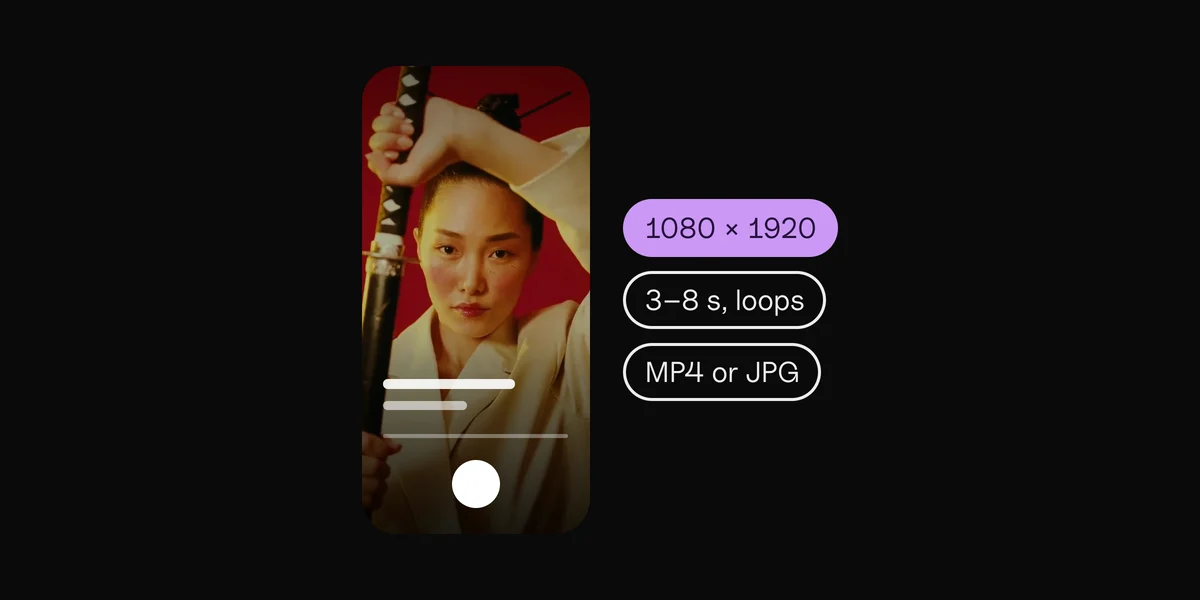
On a 1080 × 1920 Short (9:16), keep these edges free of text, faces and logos:
Keep clear · On 1080 × 1920
| Edge | Keep clear | On 1080 × 1920 |
|---|---|---|
| Top | 15% | 288 px |
| Bottom | 35% | 672 px |
| Left | 4% | 48 px |
| Right | 18% | 192 px |
| Safe area | the middle | 840 × 960 px |
Shorts has the smallest safe area of the four apps: exactly half the frame's height, pushed to the left by the buttons on the right.
What YouTube covers on a Short
- Top: the search and more buttons.
- Right edge: like, dislike, comment, share and remix, with the sound's cover at the bottom.
- Bottom: the channel name and Subscribe button, the title, the sound line and the app's tab bar. On an ad, the advertiser line and the ad's button.
Where the numbers come from
These are Google's own, from its "Universal Video Ad Safe Zones" guide for vertical video ads on YouTube, which run in Shorts. Google notes that phones differ, and that its safe zones work for the vast majority of them. Checked in October 2026; look at your Short in YouTube's preview before you publish.
Lyrics and text on a Short
- Keep lyrics left of center and a little above the middle: the right fifth is buttons.
- Watch the bottom third. Your title and channel line sit there, over your video.
- Design for Shorts and the rest follow. Shorts has the tightest zone, so text placed for Shorts is clear on Reels and Stories too, and nearly clear on TikTok, whose top band is smaller but whose right band is close.
How to use the Shorts template
Download the template above: a 1080 × 1920 PNG with the covered bands in red and the safe area dashed. Put it on the top layer in your editor (CapCut, Premiere Pro, Final Cut Pro, DaVinci Resolve or Canva), scaled to fill the frame, and hide it before you export.
The other apps
The same tool covers the Instagram Reels safe zone, the Instagram Story safe zone and the TikTok safe zone. Posting one video everywhere? Pick All four above, or open the safe zone checker.
Lyric videos that stay inside the safe zone.
By hand
A template layer, and checking every video.
Clips
The zone is built in, for ads or Stories.
Questions
What is the YouTube Shorts safe zone?
The part of a Short that YouTube's buttons, title and channel line never cover: on a 1080 × 1920 video, everything except 288 px at the top, 672 px at the bottom, 48 px on the left and 192 px on the right.
What size is a YouTube Short?
1080 × 1920 pixels, 9:16, the shape of a phone held upright.
Where do the Shorts numbers come from?
From Google's "Universal Video Ad Safe Zones" guide for vertical video ads on YouTube. They're the official numbers, not measured ones.
Is the safe zone the same for Shorts ads and ordinary Shorts?
Close. Ads add an advertiser line and a button near the bottom, which is why Google keeps 35% of the bottom clear. Using the ad numbers keeps ordinary Shorts safe too.
Is my video uploaded?
No. It's shown from your own computer, in this page, and never sent anywhere.
Sources
- Universal Video Ad Safe Zones (PDF), Google
 Clips10 min read