The Instagram Reels safe zone, in pixels
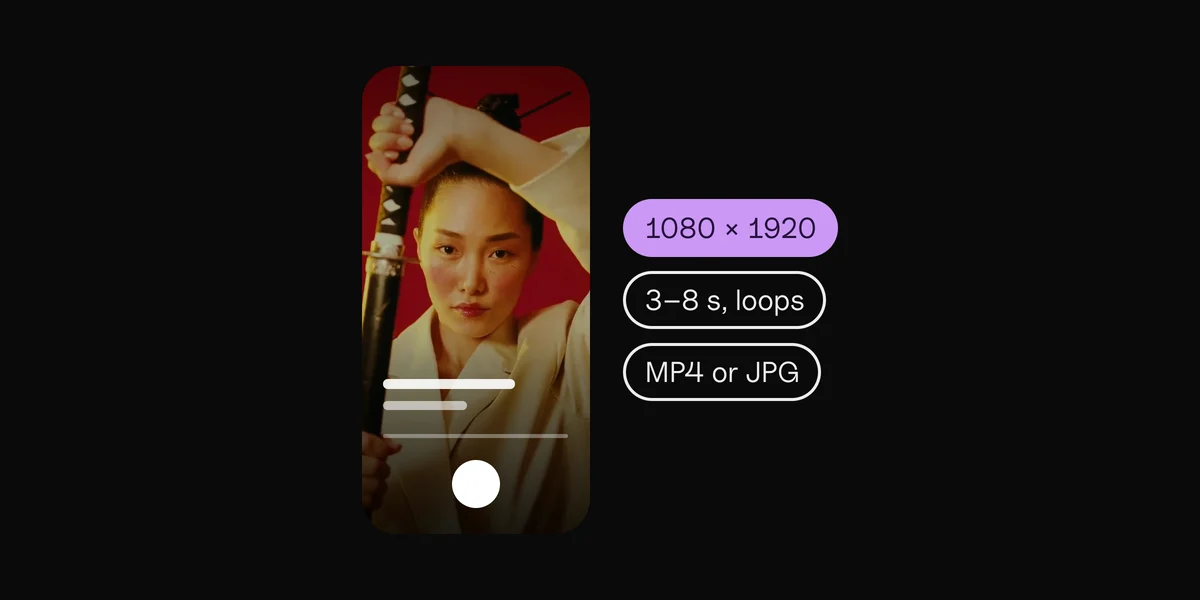
On a 1080 × 1920 Reel (9:16), keep these edges free of text, faces and logos:
Keep clear · On 1080 × 1920
| Edge | Keep clear | On 1080 × 1920 |
|---|---|---|
| Top | 14% | 269 px |
| Bottom | 35% | 672 px |
| Left | 6% | 65 px |
| Right | 6% | 65 px |
| Safe area | the middle | 950 × 979 px |
The safe area is about half the frame, sitting above its middle. The bottom is the big one: more than a third of a Reel sits under Instagram's own text and buttons.
What Instagram covers on a Reel
- Top: the "Reels" title and the camera button.
- Right edge: the like, comment, share and more buttons, and the audio cover.
- Bottom: your profile picture, name and Follow button, the caption, the audio line, and the app's tab bar. On an ad, the "Sponsored" label and a button such as Learn more sit there too.
Where the numbers come from
They're Meta's own, from its ad guide for Reels: keep about 14% at the top, 35% at the bottom and 6% on each side free of text and key visuals. Meta gives the same guidance for Reels on Instagram and on Facebook. Ordinary Reels leave a little more room at the bottom than ads, so the ad numbers are the safe choice for both. Checked in October 2026; Instagram moves its buttons now and then, so look at your Reel in the app's preview before you post.
Lyrics and text on a Reel
- Keep lyrics in the middle band, a little above the center. The bottom third belongs to the caption.
- Two lines at most, in big type: people read a Reel in a second.
- Keep faces high. Eyes in the upper middle stay clear of both the caption and the buttons.
- Let the picture fill the frame. Only words, faces and logos need the safe area; color and motion can run to the edges.
How to use the Reels template
Download the template above: a 1080 × 1920 PNG with the covered bands in red and the safe area dashed. Put it on the top layer in your editor (CapCut, Premiere Pro, Final Cut Pro, DaVinci Resolve or Canva), scaled to fill the frame, and hide it before you export.
The other apps
The same tool covers the Instagram Story safe zone, the TikTok safe zone and the YouTube Shorts safe zone. Posting one video everywhere? Pick All four above, or open the safe zone checker.
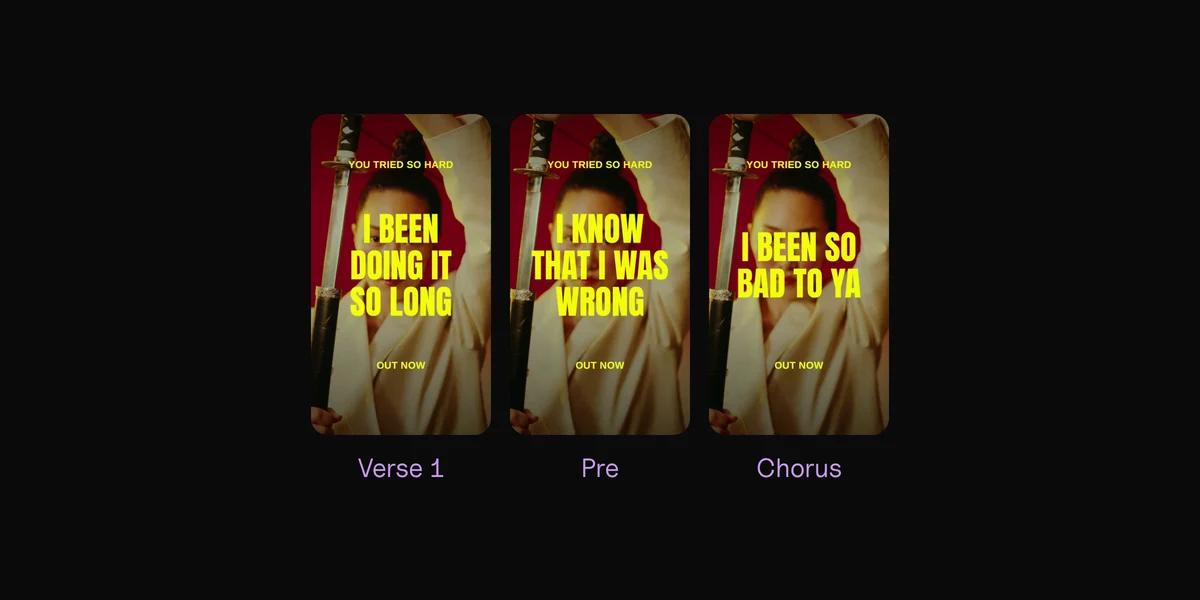
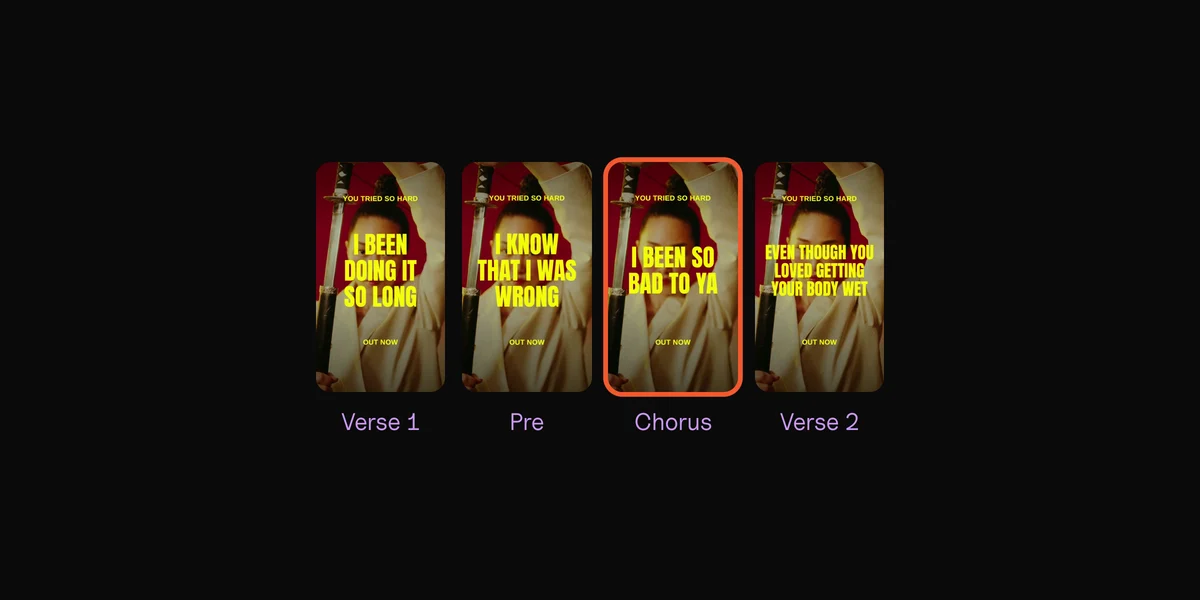
Lyric videos that stay inside the safe zone.
By hand
A template layer, and checking every video.
Clips
The zone is built in, for ads or Stories.
Questions
What is the Instagram Reels safe zone?
The middle part of a Reel that Instagram's buttons and captions never cover: on a 1080 × 1920 video, everything except 269 px at the top, 672 px at the bottom and 65 px on each side. Text and faces inside it can always be seen.
What size is an Instagram Reel?
1080 × 1920 pixels, 9:16, the shape of a phone held upright. Instagram shows it full screen.
Is the Reels safe zone the same on Facebook?
Yes. Meta gives the same guidance for Reels on Instagram and Facebook.
Is the safe zone different for Reels ads?
Ads add a "Sponsored" label and a button near the bottom, so Meta's ad guide keeps 35% of the bottom clear. Use that for ordinary Reels too and you're safe either way.
Is my video uploaded?
No. It's shown from your own computer, in this page, and never sent anywhere.
Sources
- Instagram Reels ad specs, Meta
 Clips10 min read