The TikTok safe zone, in pixels
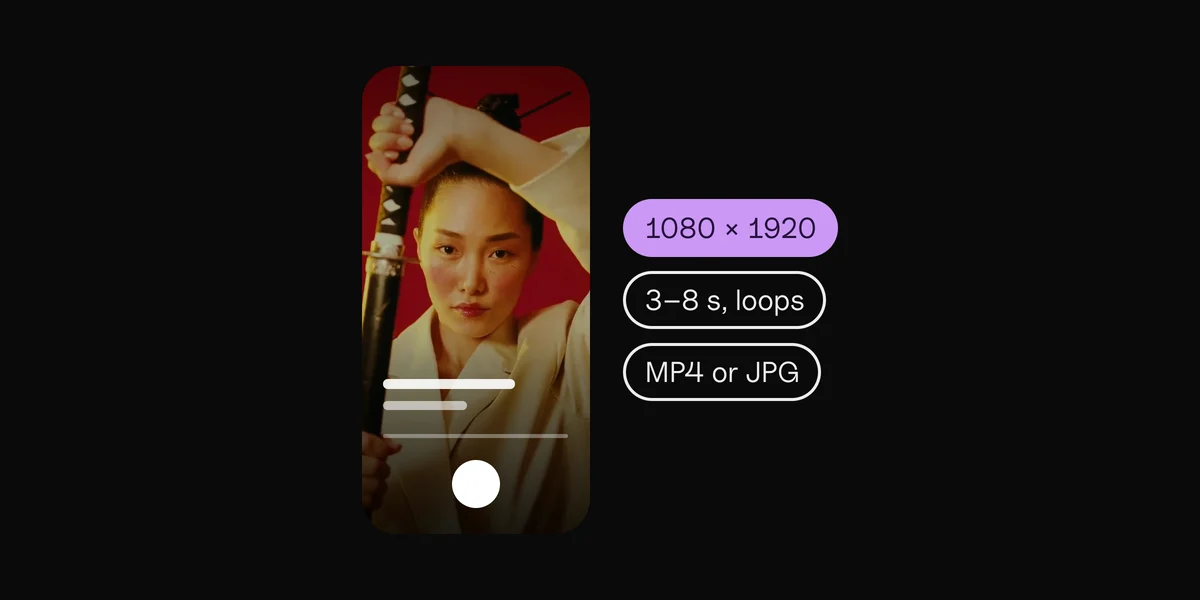
On a 1080 × 1920 TikTok (9:16), keep these edges free of text, faces and logos:
Keep clear · On 1080 × 1920
| Edge | Keep clear | On 1080 × 1920 |
|---|---|---|
| Top | 8% | 160 px |
| Bottom | 25% | 480 px |
| Left | 6% | 60 px |
| Right | 13% | 140 px |
| Safe area | the middle | 880 × 1280 px |
TikTok's safe area is the biggest of the four apps, but it isn't centered: the right edge loses more than twice as much as the left, because of the button column.
What TikTok covers
- Top: the Following and For You tabs, and the search button.
- Right edge: a column of buttons: the profile picture, like, comment, save and share, with the spinning sound disc at the bottom.
- Bottom: your name, the caption, the sound line and the app's tab bar. On an ad, the "Sponsored" label and the ad's button.
Where the numbers come from
TikTok doesn't publish safe zone numbers. It offers safe zone template files for its ads, and says the zone gets smaller as the caption gets longer (and with some interactive ad add-ons). The figures here are measured from those templates and rounded out, so treat them as a guide. Checked in October 2026: before you post, look at the video in TikTok's own preview with your real caption.
Lyrics and text on a TikTok
- Stay left of center with anything people read: the button column covers the right.
- Short captions help. A long caption climbs up the screen and covers more of your video.
- Keep lyrics in the upper two thirds. The caption and sound line own the bottom quarter.
How to use the TikTok template
Download the template above: a 1080 × 1920 PNG with the covered bands in red and the safe area dashed. Put it on the top layer in your editor (CapCut, Premiere Pro, Final Cut Pro, DaVinci Resolve or Canva), scaled to fill the frame, and hide it before you export.
The other apps
The same tool covers the Instagram Reels safe zone, the Instagram Story safe zone and the YouTube Shorts safe zone. Posting one video everywhere? Pick All four above, or open the safe zone checker.
Lyric videos that stay inside the safe zone.
By hand
A template layer, and checking every video.
Clips
The zone is built in, for ads or Stories.
Questions
What is the TikTok safe zone?
The part of a TikTok that the app's tabs, buttons and caption never cover. On a 1080 × 1920 video, keep about 160 px at the top, 480 px at the bottom, 60 px on the left and 140 px on the right clear.
What size is a TikTok video?
1080 × 1920 pixels, 9:16, the shape of a phone held upright.
Does TikTok have an official safe zone?
It offers safe zone template files for ads, but no numbers, and it says the zone shrinks as the caption gets longer. The numbers on this page are measured from TikTok's templates.
Why is the right side bigger?
TikTok's like, comment, save and share buttons run down the right edge, so it covers more on that side than on the left.
Is my video uploaded?
No. It's shown from your own computer, in this page, and never sent anywhere.
Sources
- In-feed ads specifications and safe zone files, TikTok Ads
 Clips10 min read