Loopback is a Mac app from Rogue Amoeba that makes virtual audio devices. A virtual device shows up in every app’s list of inputs and outputs, so the sound of Safari, Music or your mic can go straight into OBS, Zoom or a DAW.

If you only want to record what your Mac plays, DOT ($49 once, free for 10 recordings) does it on macOS 14.4 or later with no virtual device to set up, and saves each take trimmed with its key, BPM and chords.
What Loopback does
- Combines sources into one device. Pick apps and inputs, like Music, a browser and your mic, and they arrive in another app as one input.
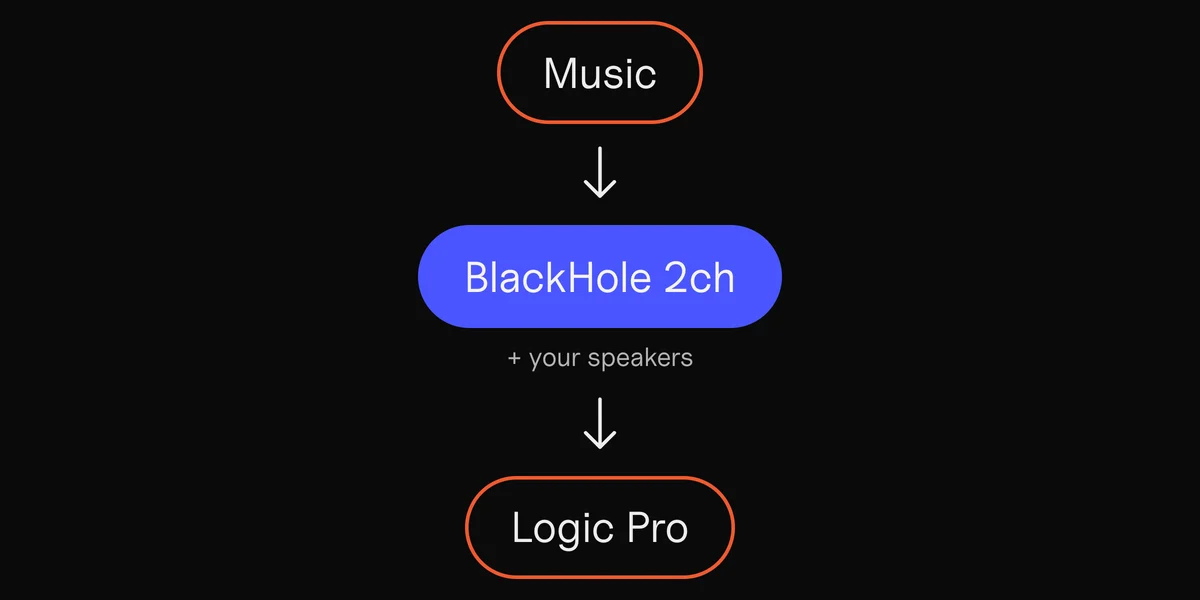
- Passes sound from one app to another. Set a virtual device as one app’s output and another app’s input, and the sound goes straight across.
- Lets you hear what you send. Monitors play a virtual device’s sound through your speakers or headphones at the same time.
- Maps channels. Each device can have up to 64 channels, and you choose which source goes to which.

When a recorder is all you need
Many people look for Loopback because they want to record what their Mac is playing: a sound in a video, a song idea in the browser, a call. For that, on macOS 14.4 or later, you need no virtual device. Apps can record the Mac’s sound directly, after one permission.
DOT records it that way.
- 1
Open DOT and click Source.
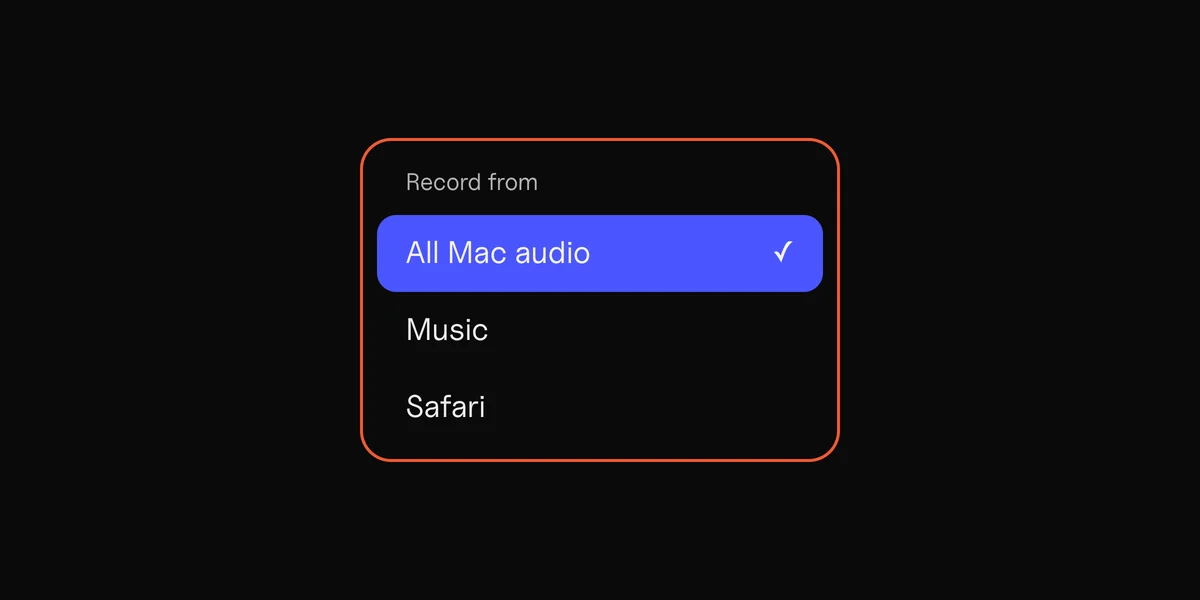
Under Sound from your Mac, pick the app that’s playing, or All Mac audio. Turn on Mics and inputs as well to add your mic.
- 2
Press Record
and let it play, then stop and keep the take.
- 3
Drag the take into your DAW.
It lands trimmed, with its key, BPM and chords.
What it costs
Loopback is $99 for a new license, or $49 to upgrade from an older version. One license covers one person on the Macs they own. The current version, 2.5.1 from 26 October 2026, runs on macOS 14.5 to 27.
The free download is a full trial. After 20 minutes, noise is laid over any sound that passes through an active virtual device. Turning the device off and on again restarts the 20 minutes.
When you need Loopback
Loopback is the tool when sound has to reach another app while it plays:
- A stream in OBS with the game, the music and your mic on their own channels.
- A backing track or a demo into a Zoom, Meet or Teams call, together with your voice.
- Several apps into a DAW on separate tracks, to record or process them live.
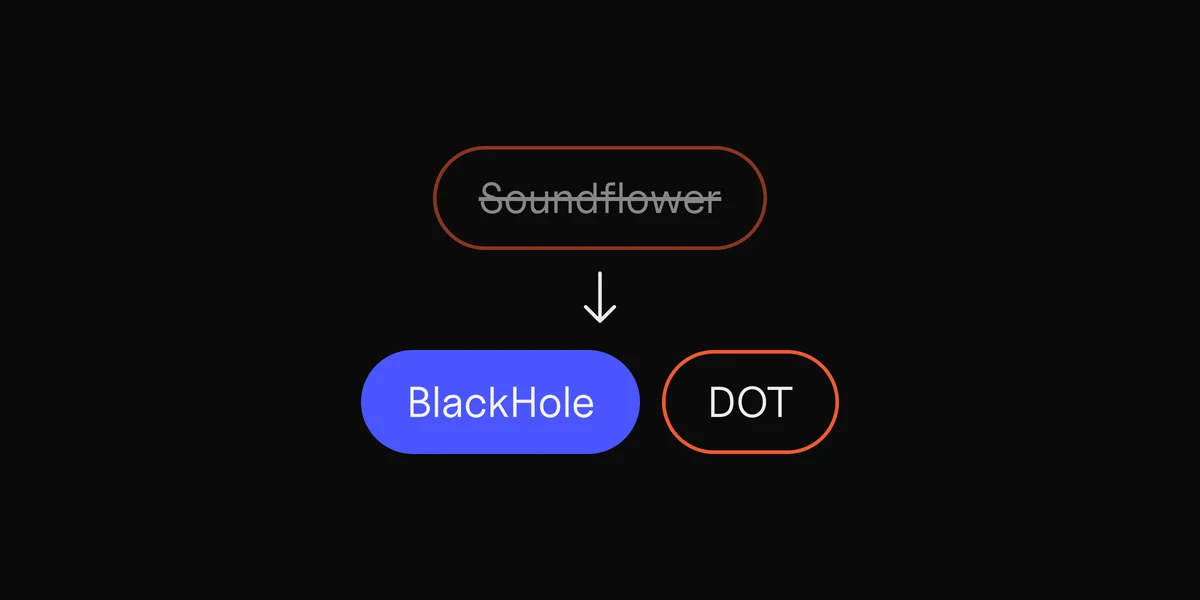
For these, the free BlackHole does the basic job, with more setup.
The free route: BlackHole
BlackHole is a free virtual audio device. It passes whatever plays into it on to any app that records from it. It has no window and no way to pick sources: you set it as the Mac’s output, or as one app’s own output where the app allows it. To hear the sound at the same time, you make a Multi-Output Device in Audio MIDI Setup, and your volume keys stop working while it’s on.
The guide to BlackHole on Mac walks through installing it, setting up the Multi-Output Device and removing it again.
Loopback alternatives, compared

| App | Cost | Job | The catch |
|---|---|---|---|
| Loopback | $99 | Sends apps and mics into other apps, combined in one virtual device | The trial adds noise after 20 minutes |
| BlackHole | Free | Sends the Mac’s sound into another app | A Multi-Output Device to set up, and no per-app choice |
| SoundPipe | $10 | Sends apps into other apps through a virtual mixer | Apple silicon only, macOS 14.4 or later |
| DOT | Free for 10 recordings, then $49 once | Records one app or all Mac audio, with each take’s key, BPM and chords | Records only. It doesn’t send sound into another app |
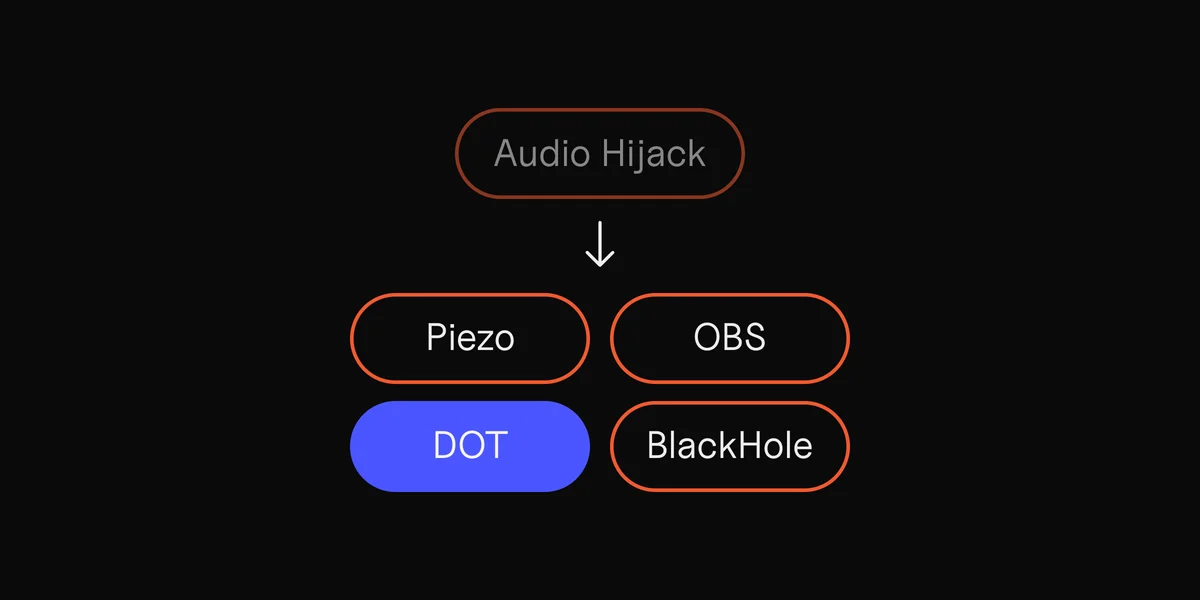
| Audio Hijack | $69 | Records any app or the whole Mac, through effects | Records, doesn’t route live |
Prices from each maker’s own site, 8 November 2026.
For more recorders, see Audio Hijack alternatives.
Sources
6
- Loopback and its price, Rogue Amoeba
- About app trials, Rogue Amoeba
- BlackHole, Existential Audio
- SoundPipe
- Audio Hijack, Rogue Amoeba
- Capturing system audio with Core Audio taps, Apple Developer