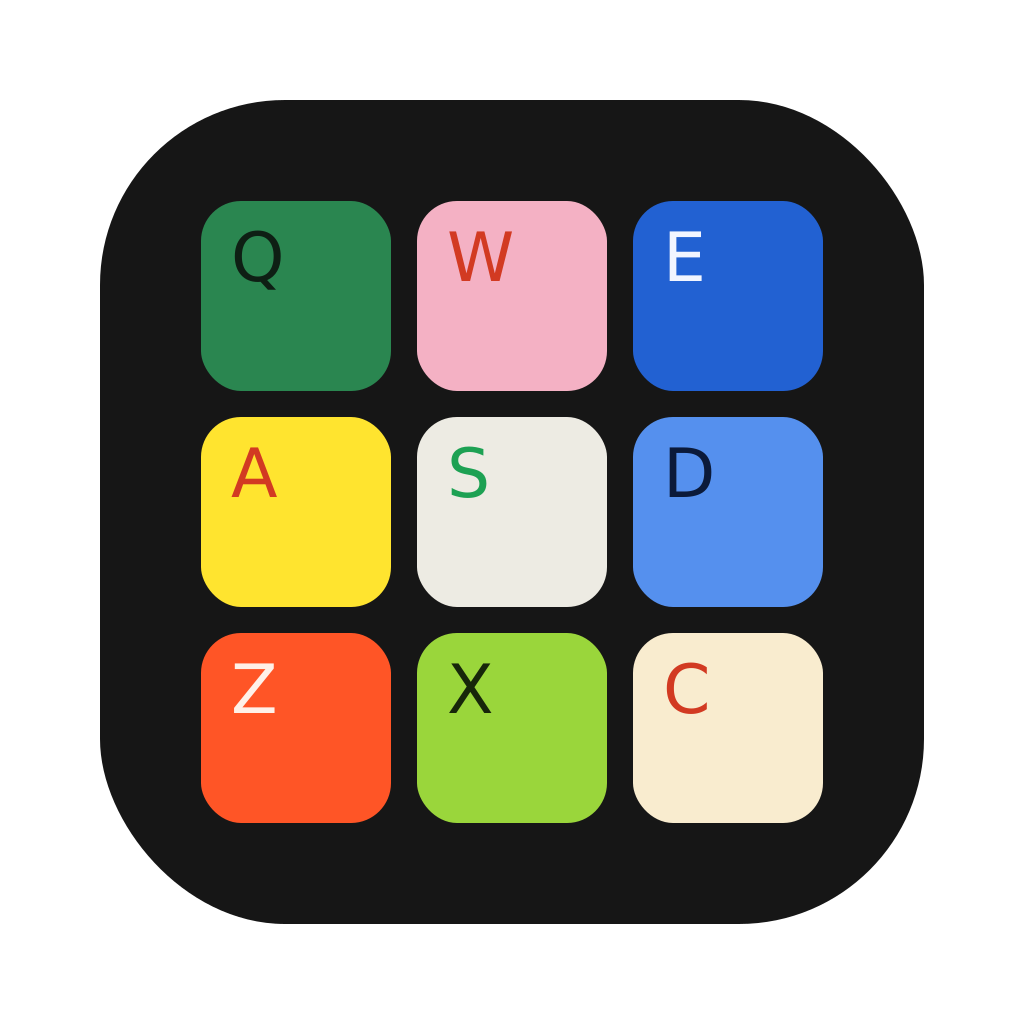
A drum pad for Mac
that lives in your menu bar.
Click the icon by the clock and play with your keyboard. It works over any app, even your DAW.
No ads. No subscription.
Buy for Mac · $19 onceBuy for Mac · $12 once$12 $19 for Black Friday, until 1 December
macOS 14.4 or later
Already bought? Download
Keep what you played.
Every take saves two ways for your DAW. Click the key, or drag it straight into Logic, Ableton or FL Studio.
AudioThe beat, as you heard it.
A WAV file with every hit and the theme’s sound, ready to chop, sample or bounce. Drop your own sounds in first and they’re in the file too.
MIDIExport your drums as MIDI.
Save your take as a MIDI file and drag it into your DAW. Every hit becomes a note at your tempo, so you can fix the timing or play it on any drum kit.
Bring your own sounds.
Drop one sample on a pad, or a whole pack on the app. Kicks, snares and hats land on the right pads by themselves.
Record a beat. Post it as a video.
Play it with your MIDI controller.
Plug in a pad controller, a keyboard or a Push and play, with no setup. Any pad can learn a new note.
Yours to keep.
Drum Pad for Mac
$19$12once$19 once
Black Friday price, until 1 December.
macOS 14.4 or later. Your key arrives by email.
Already bought? Download
Before you buy.
Which Macs does it run on?
Any Mac with macOS 14.4 or later, Apple silicon or Intel.
Which controllers work?
Any class-compliant MIDI pad controller or keyboard, including Ableton Push, and other apps through their virtual MIDI ports. Teach any pad the note you want.
Which sound formats can I drop in?
WAV, AIFF, MP3, M4A, FLAC and CAF, up to 30 seconds each. Drop one file on a pad, or a whole folder on the app.
Can I get a refund?
Yes. Full refund within 30 days, no questions.
Can I use my beats in my DAW?
Save a take as Audio or MIDI and drag the file into your project.
Is it a subscription?
No. $19 once$12 once (Black Friday, until 1 December), with free updates.